← Asset Library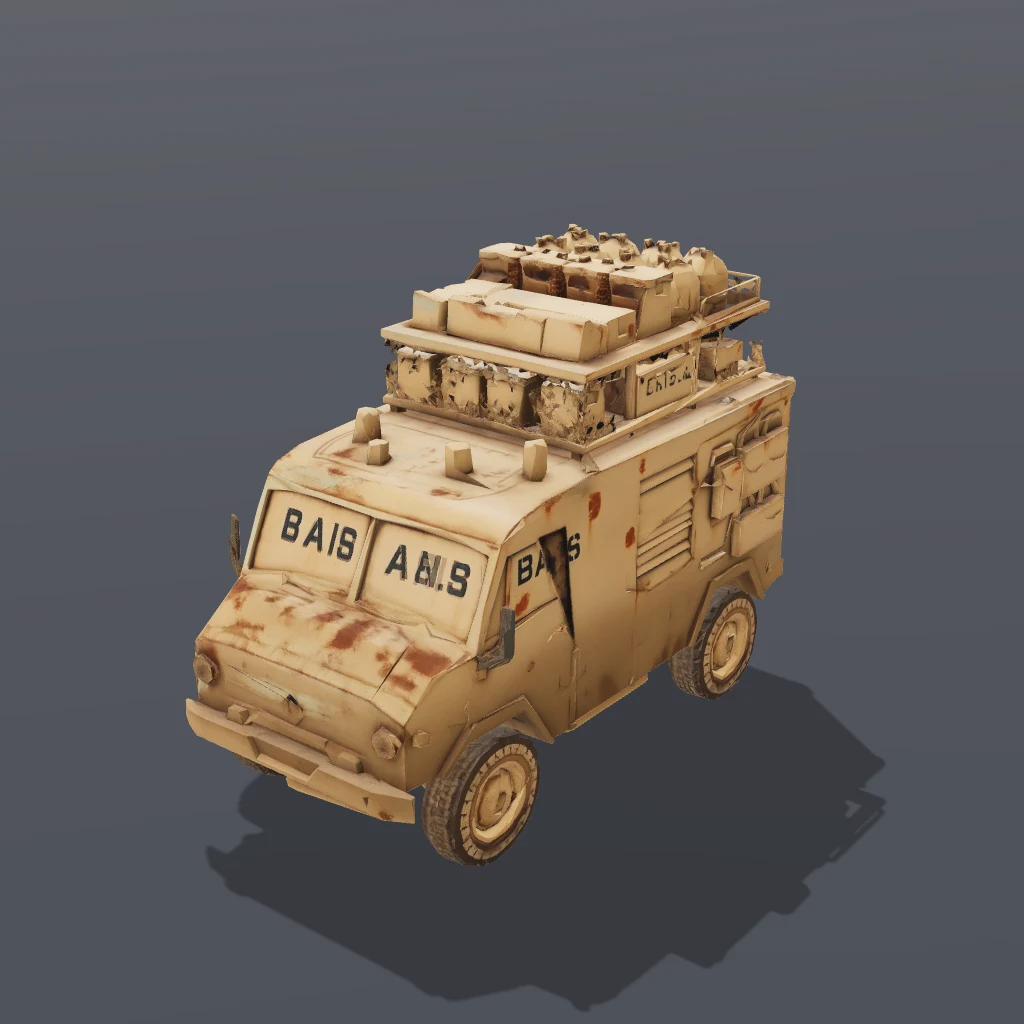
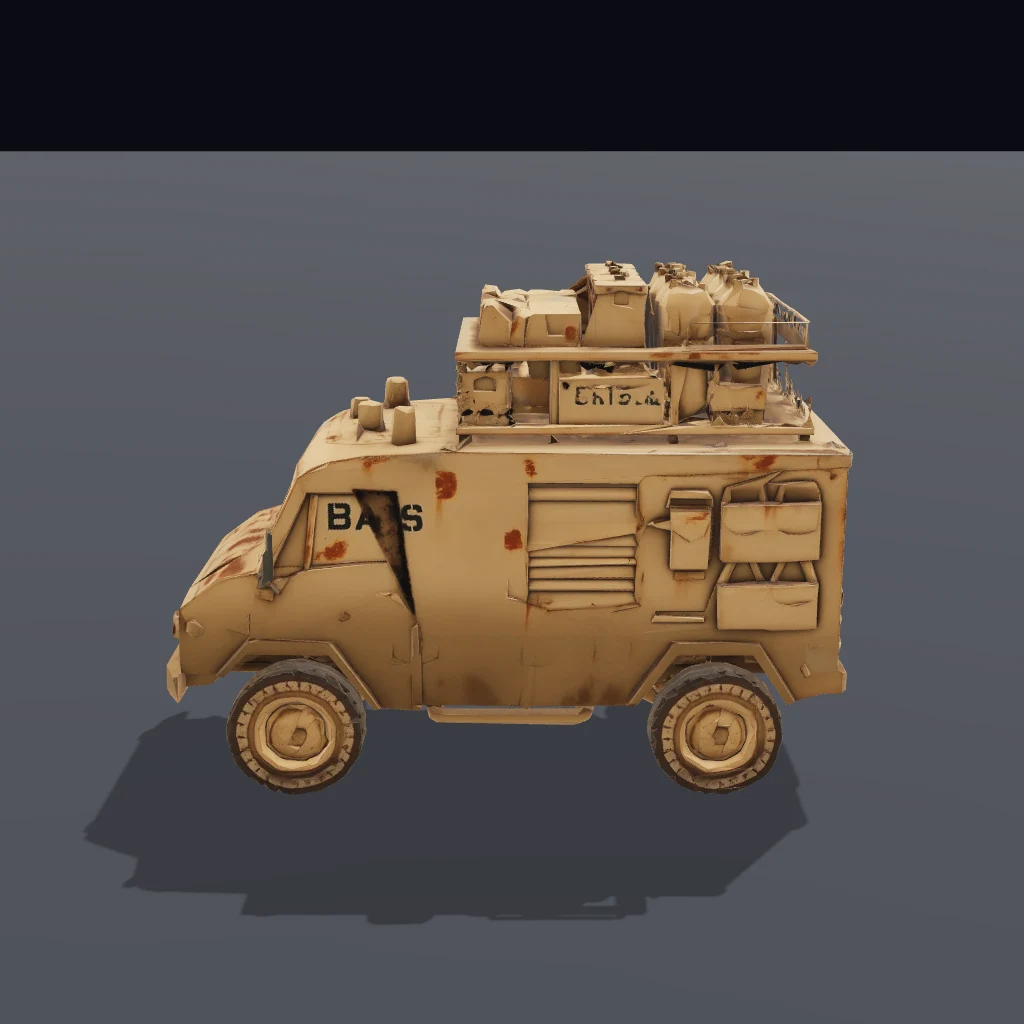
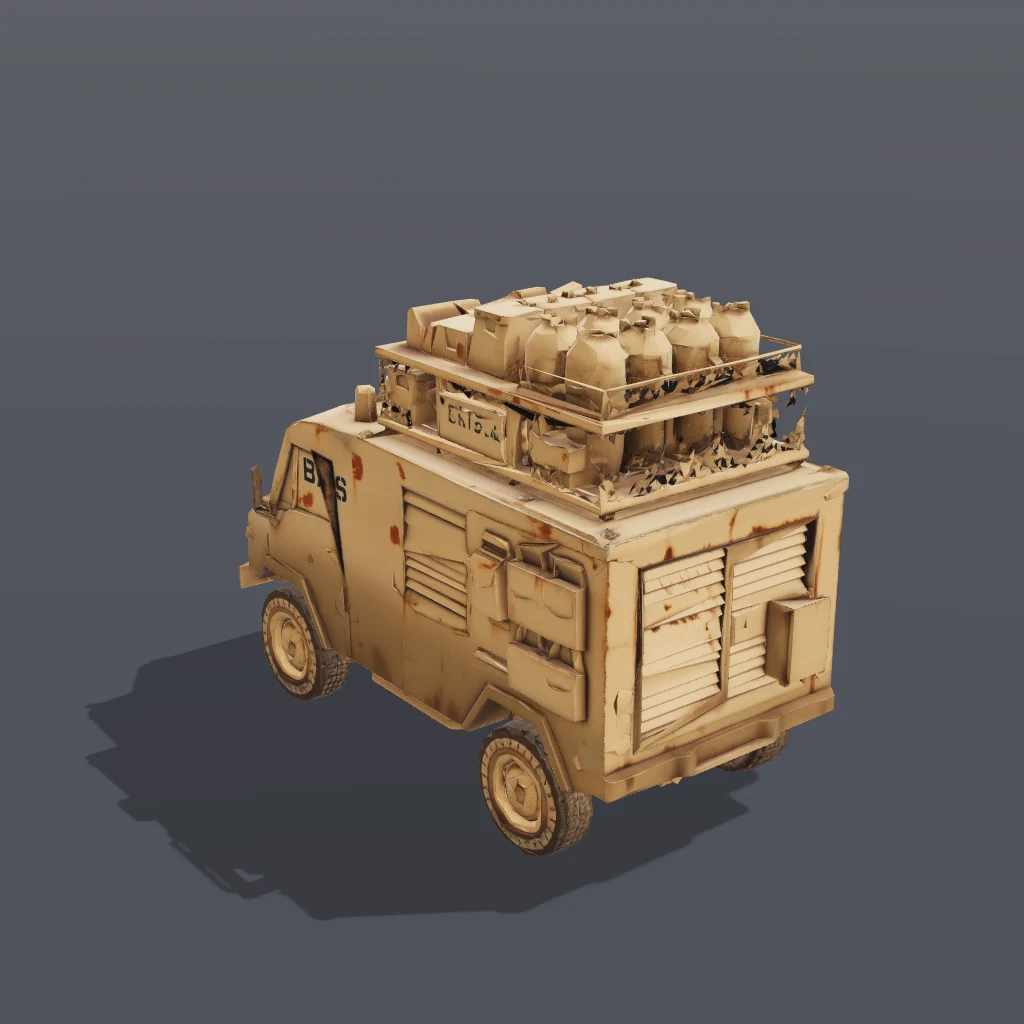
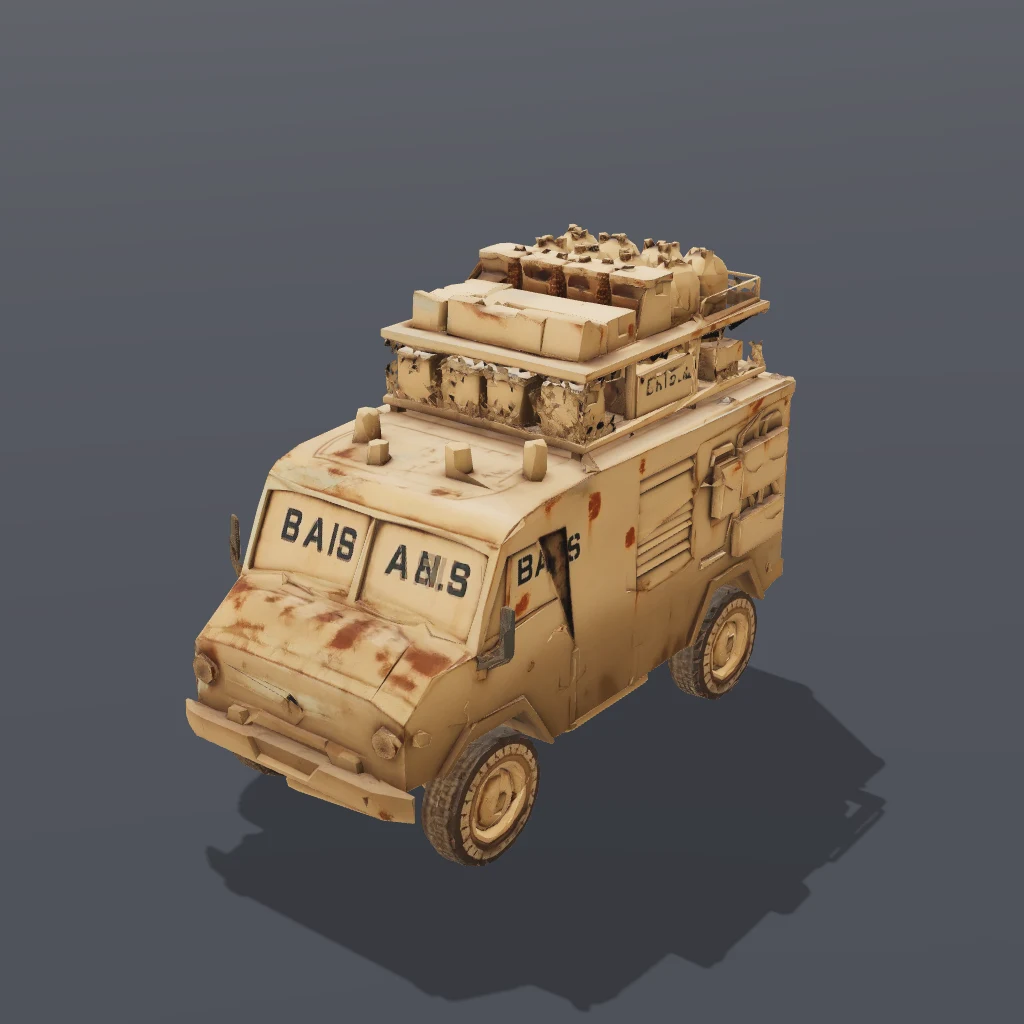
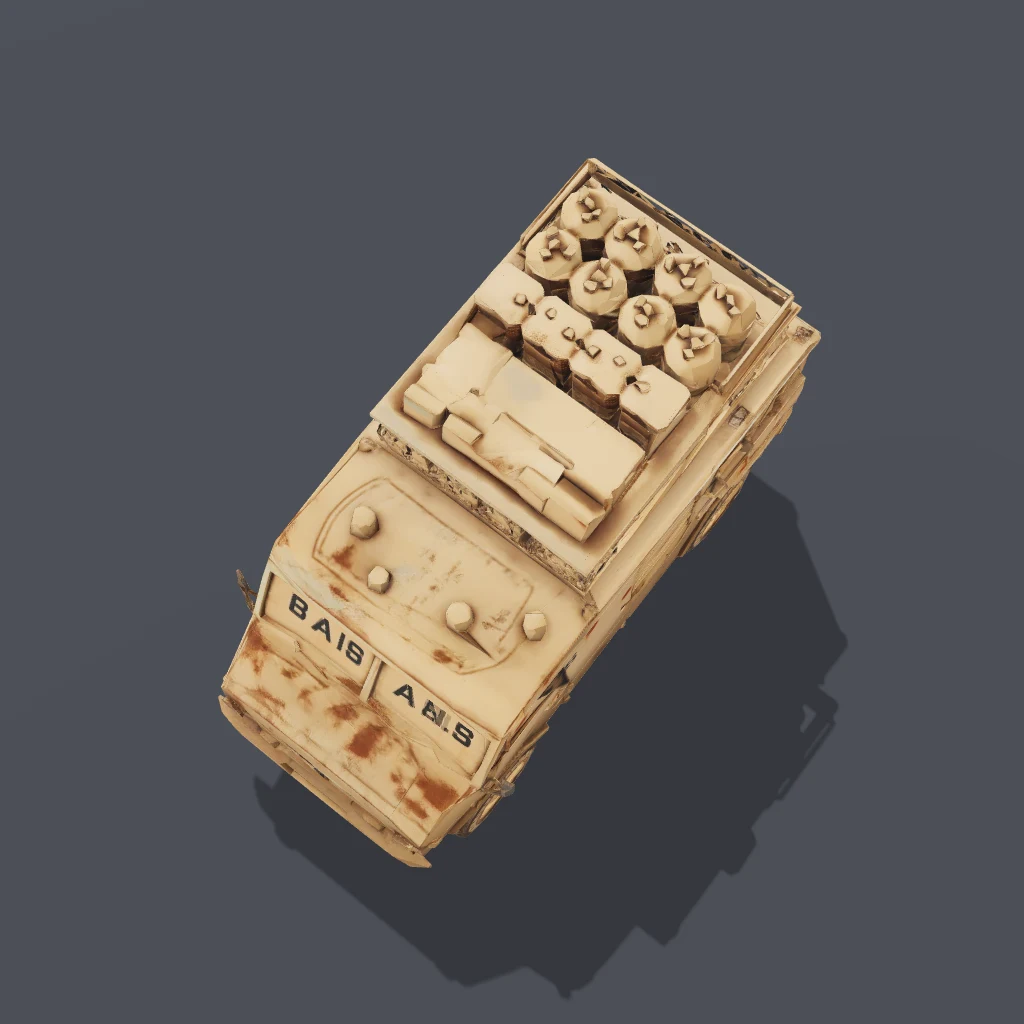 Front ¾
Front ¾Guide
Every asset is a flat drop into your project's public/ folder — the model plus a ready-to-run scene.json that loads and frames it.
- 1Scaffold a project (skip if you have one)
A World, renderer, and dev server — ready to run.
- 2Download this asset
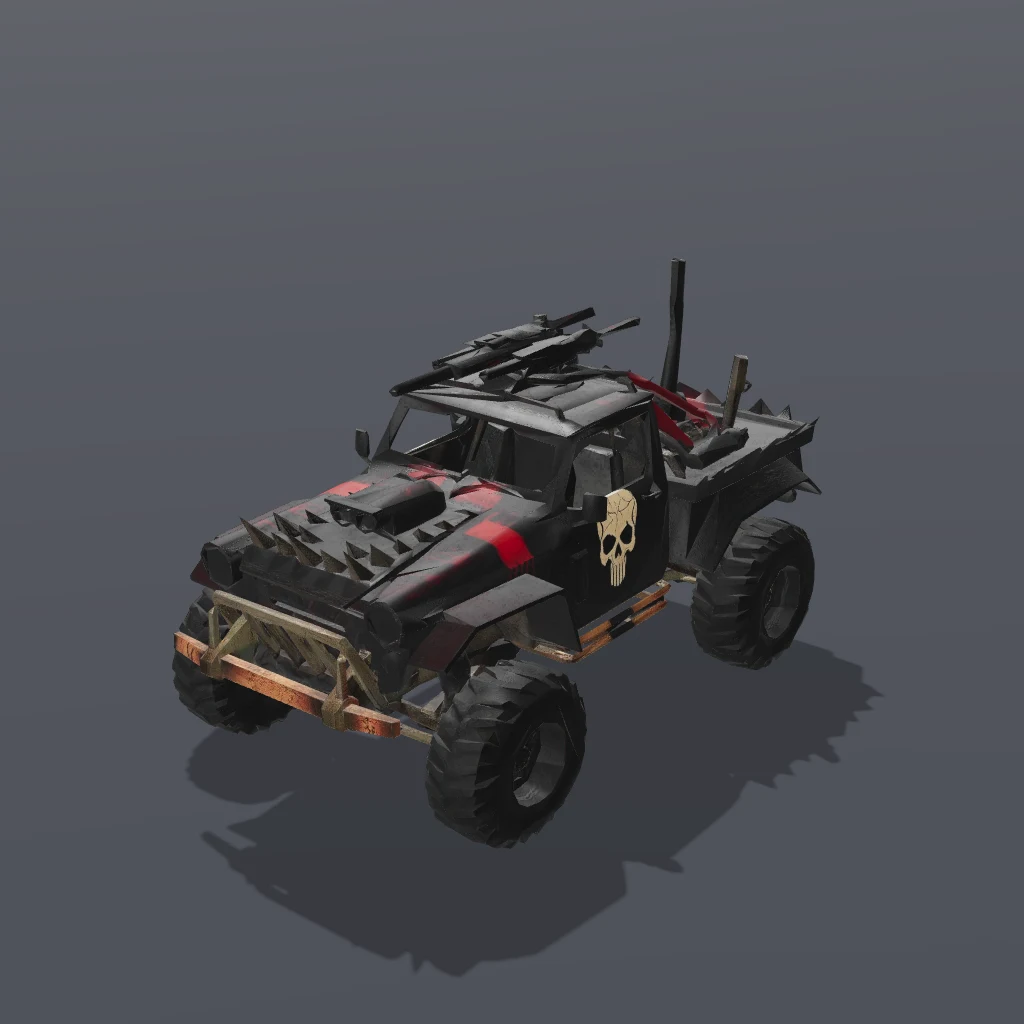
Unzips the model + scene.json into public/autorunner-weaponsvan/.
First time? Run bjs login once.
- 3Point your game at the scene
It auto-registers the scene's built-in components, loads the model, and frames the camera.
- 4Run it
Reload to rebuild the scene after any edit.