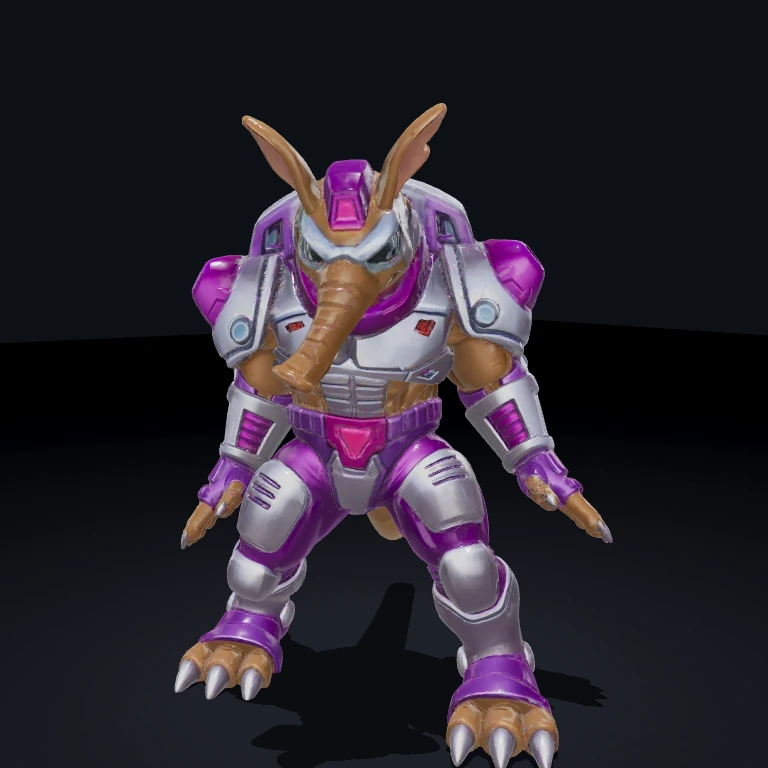
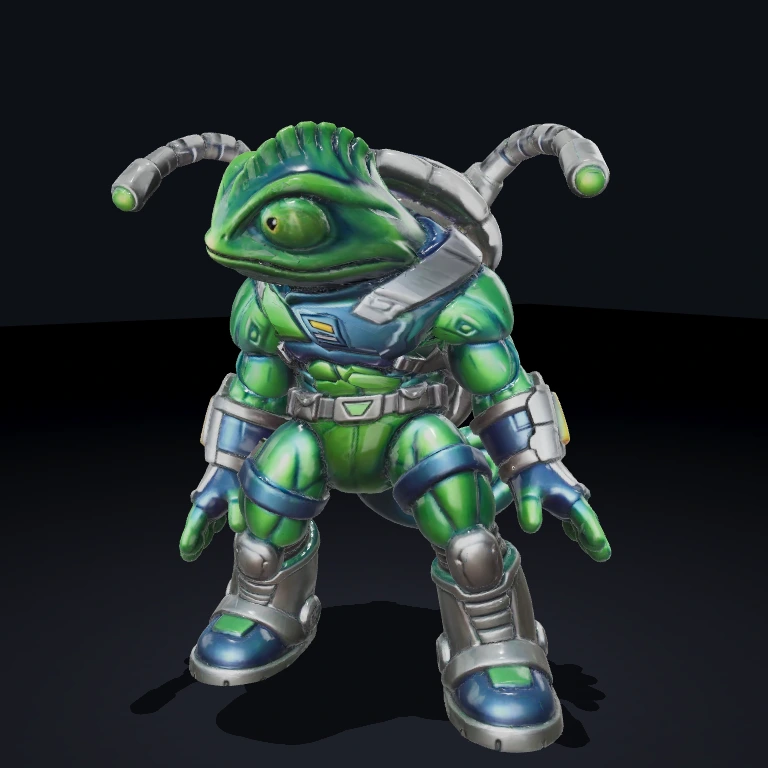
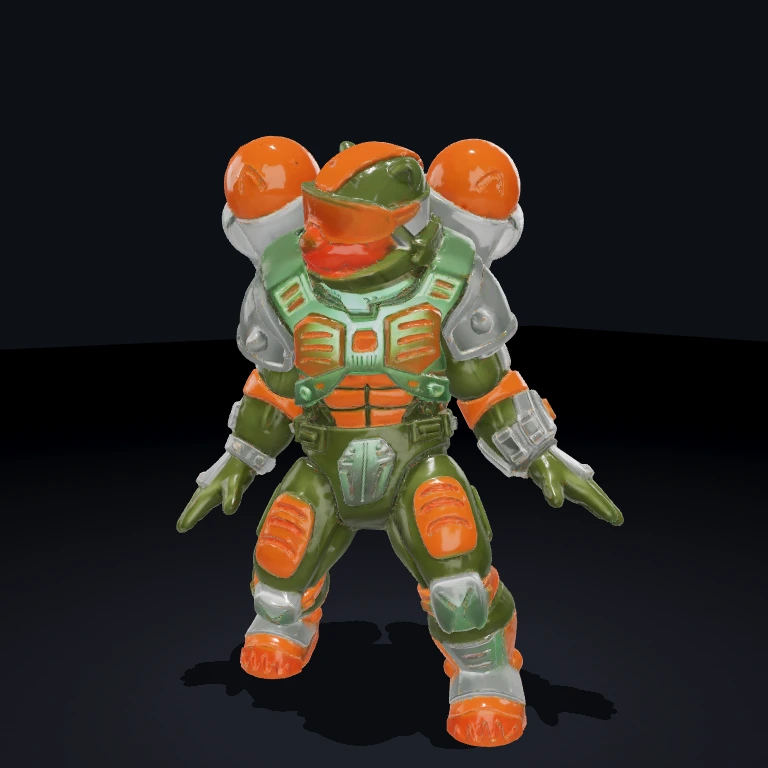
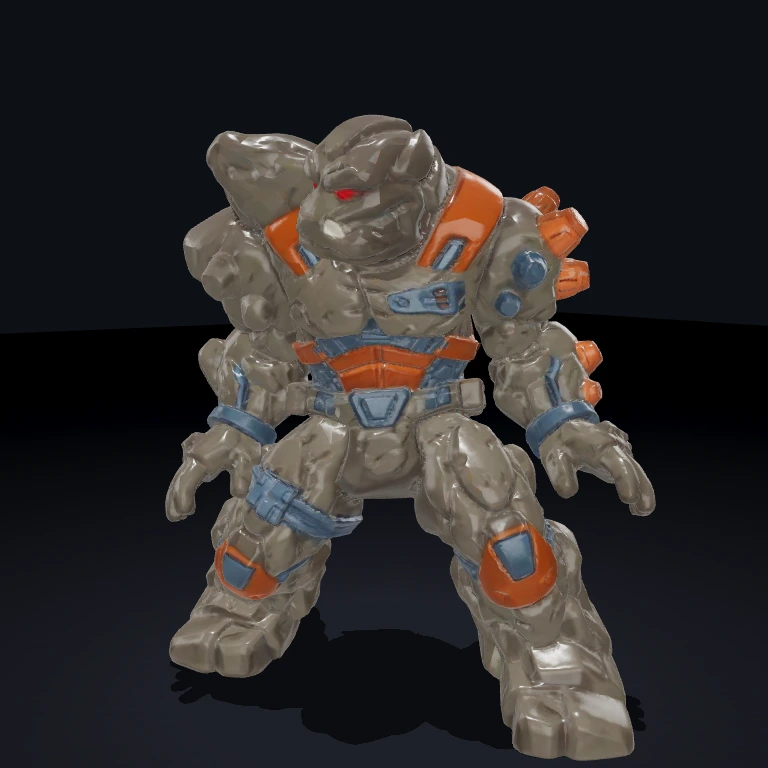
← Asset Library From the componentPokerAICali
Idle1 / 9
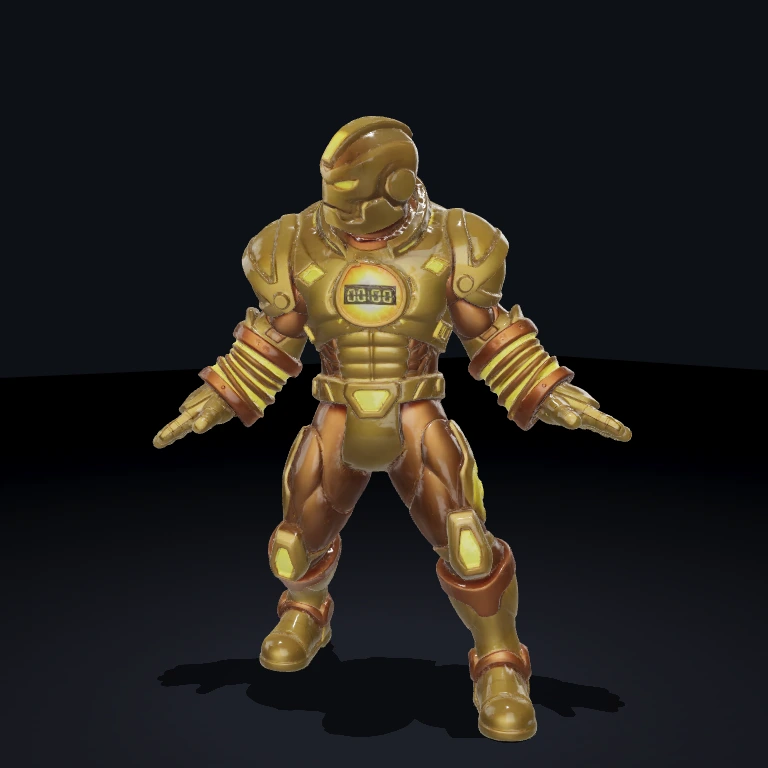
Gold-Circuit Cali
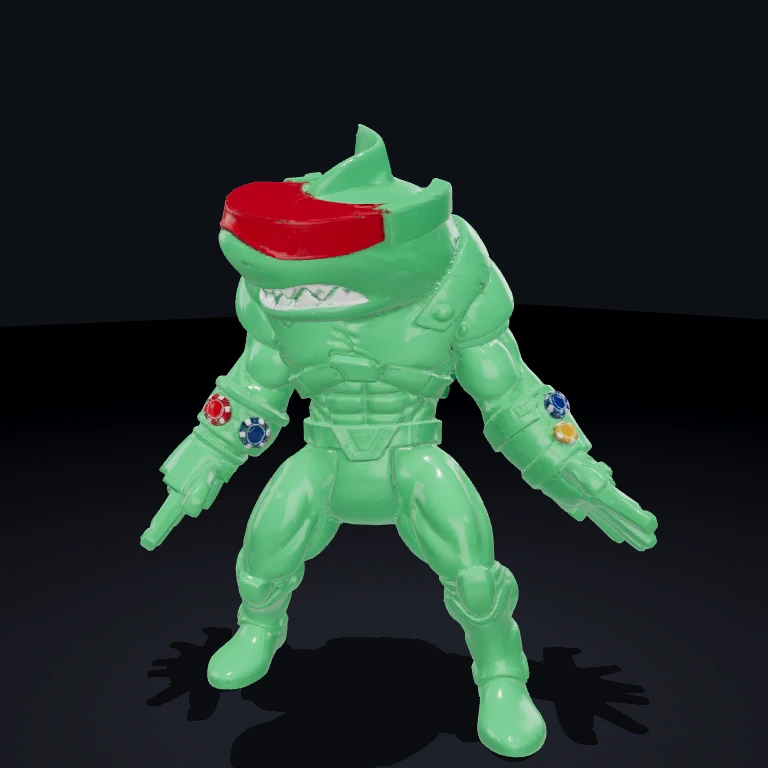
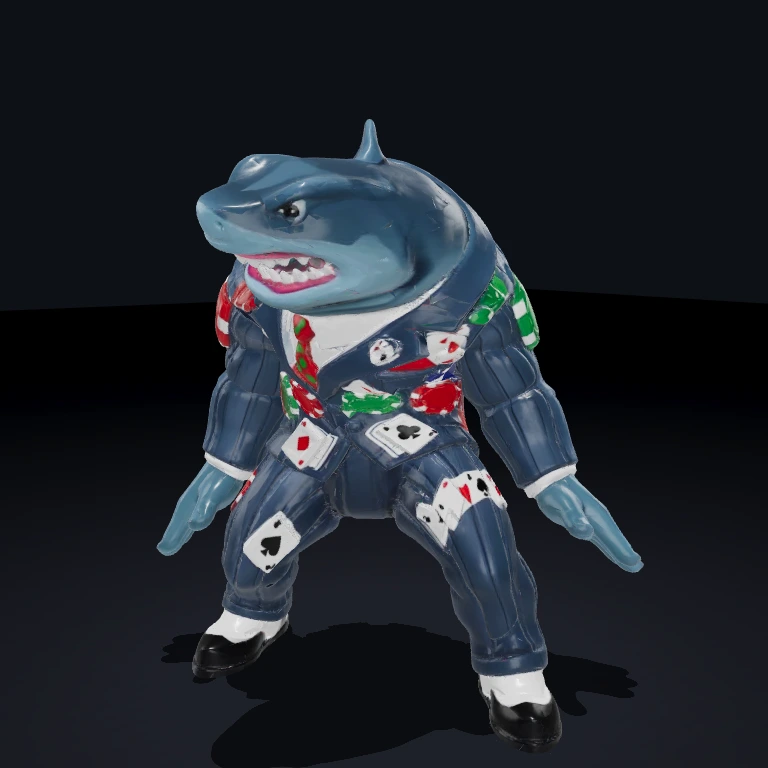
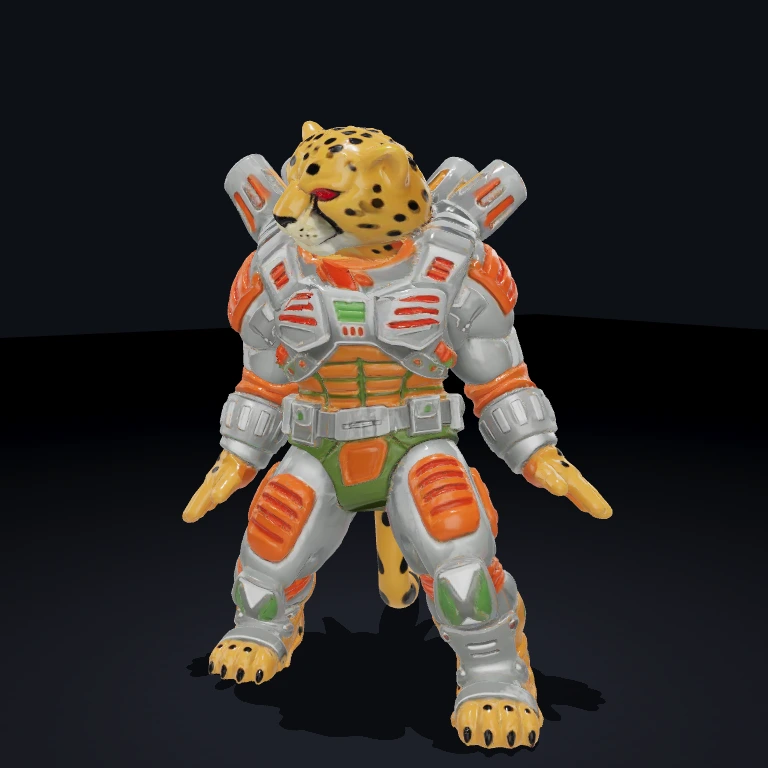
A sleek blue-and-gold gambling android behind a poker-chip visor. Bonus figure for the PokerAICali component — the cool, calculating personality that grinds pots on pot-odds, not bravado.
From the componentPokerAICali| Type | 3D Mesh |
| Format | GLB |
| Size | 1.1 MB |
| Triangles | 51,550 |
| Materials | PBR (Metallic/Roughness) |
In the download
- figures-poker-ai-cali/poker-ai-cali.glb
- figures-poker-ai-cali/scene.json
- meshy/animations.glb
- figures-poker-ai-cali/README.md
Guide
Every asset is a flat drop into your project's public/ folder — the model plus a ready-to-run scene.json you can walk around with WASD / arrow keys.
- 1Scaffold a project (skip if you have one)
A World, renderer, and dev server — ready to run.
- 2Download this asset
Unzips the model + scene.json into public/figures-poker-ai-cali/.
First time? Run bjs login once.
- 3Point your game at the scene
It auto-registers the scene's built-in components, loads the model, and frames the camera.
- 4Run it
Walk the character around with WASD / arrow keys.