logo

Babylon.js Market

← Asset Library
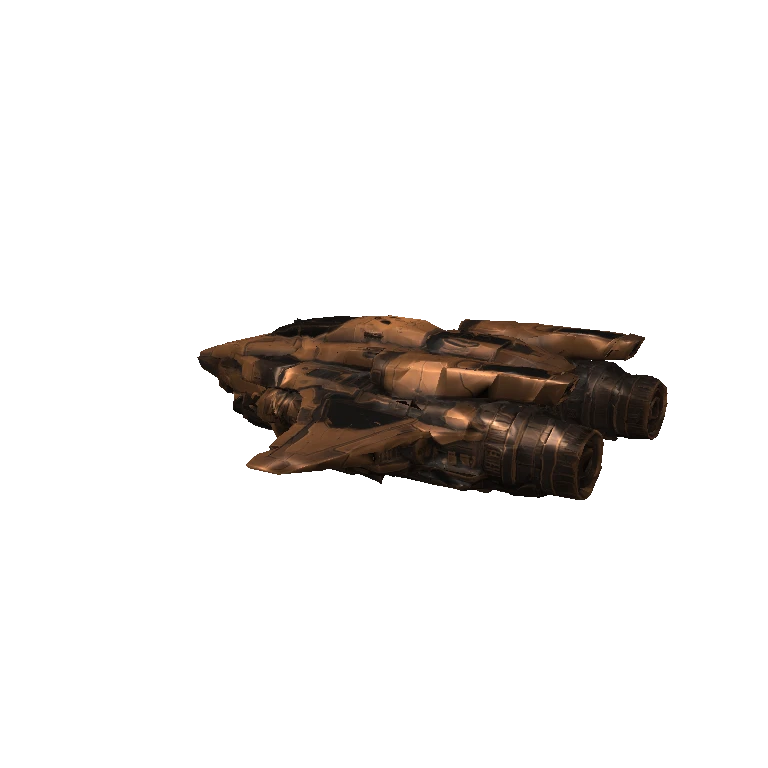
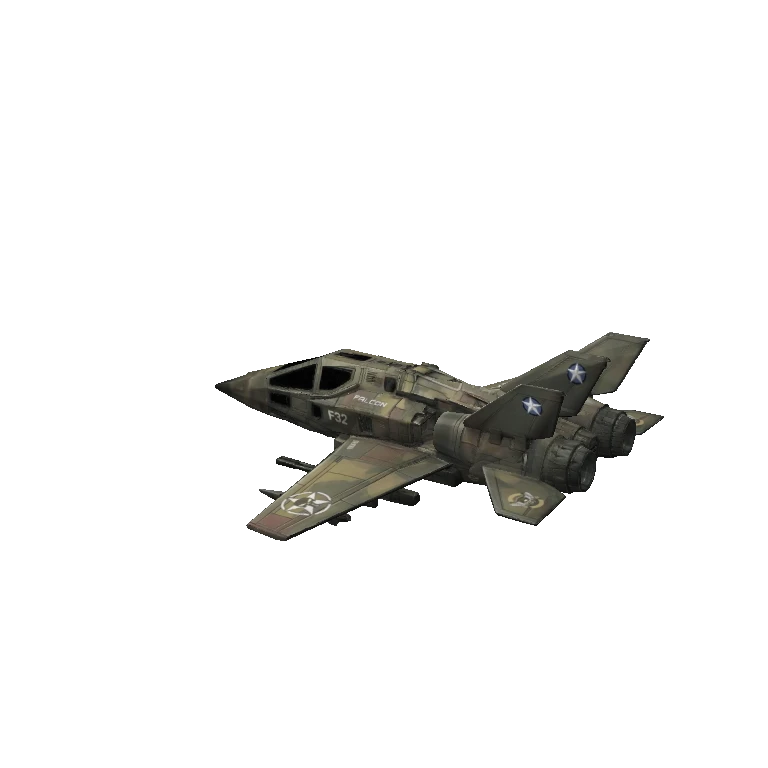
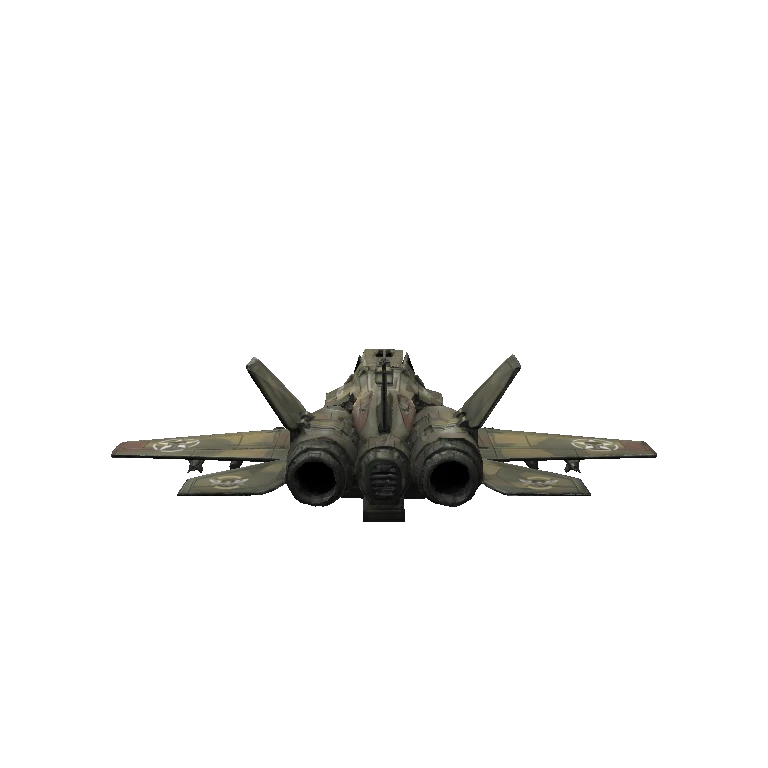
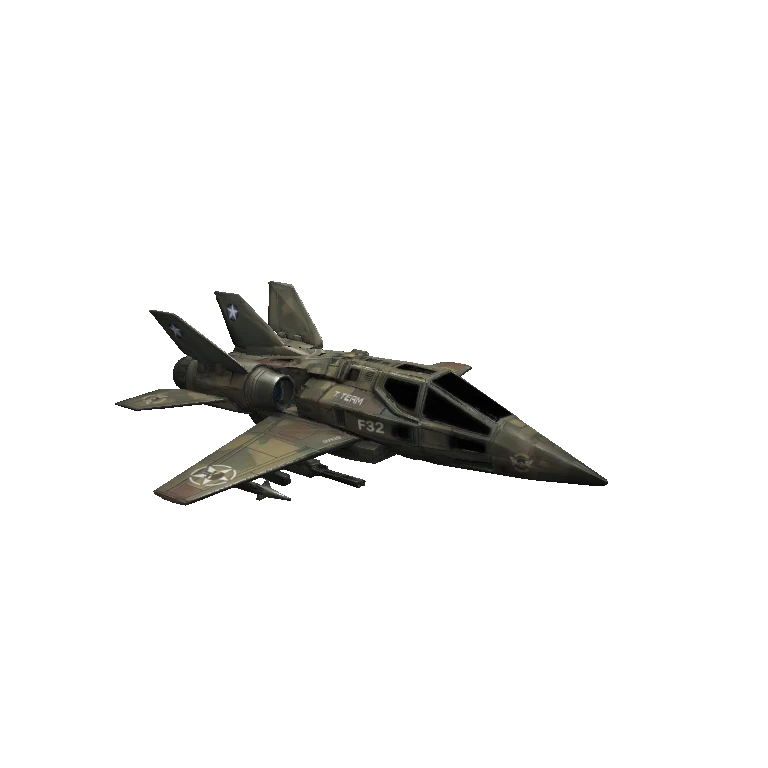
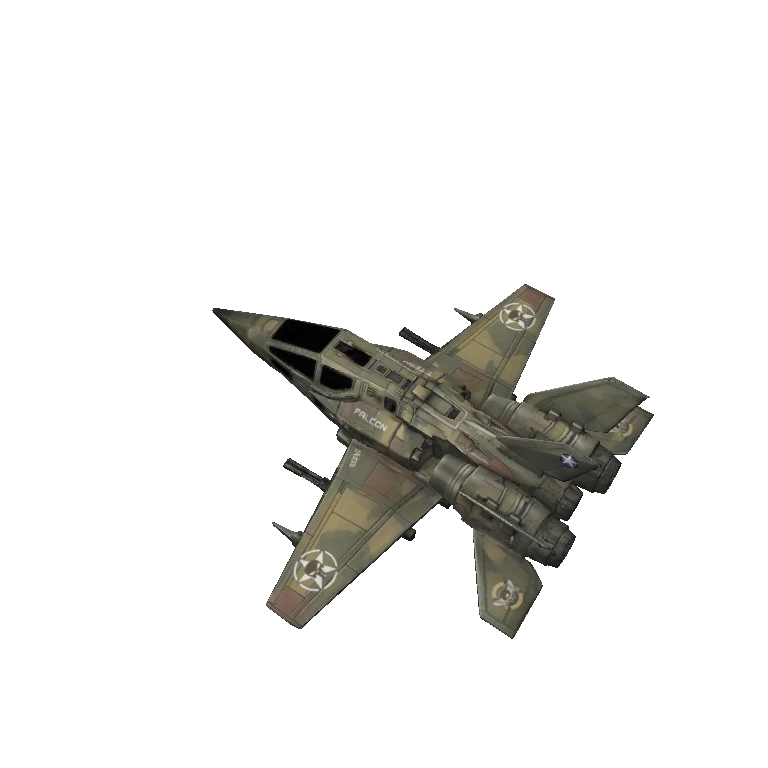
Front ¾ previewSide previewBack ¾ previewTop previewFront ¾
3D Mesh
1

Wingman Falconship

Falconship — a 3D mesh from the Wingman game.

Type3D Mesh
FormatGLB
Size13.8 MB
Triangles21,528
In the download
  • wingman/falconship.glb
Guide

Every asset is a flat drop into your project's public/ folder — the model plus a ready-to-run scene.json that loads and frames it.

  1. 1Scaffold a project (skip if you have one)
    npm create @babylonjsmarket/arcade@latest my-game && cd my-game && npm install

    A World, renderer, and dev server — ready to run.

  2. 2Download this asset
    bjs download wingman-falconship

    Unzips the model + scene.json into public/wingman-falconship/.

    First time? Run bjs login once.

  3. 3Point your game at the scene
    await game.loadSceneFromUrl('/wingman-falconship/scene.json')

    It auto-registers the scene's built-in components, loads the model, and frames the camera.

  4. 4Run it
    npm run dev

    Reload to rebuild the scene after any edit.
More like this

Was this page helpful?

We read every note — tell us what's working and what isn't.

↑↓ NavigateEnter SelectEsc CloseCtrl+K Open Search