

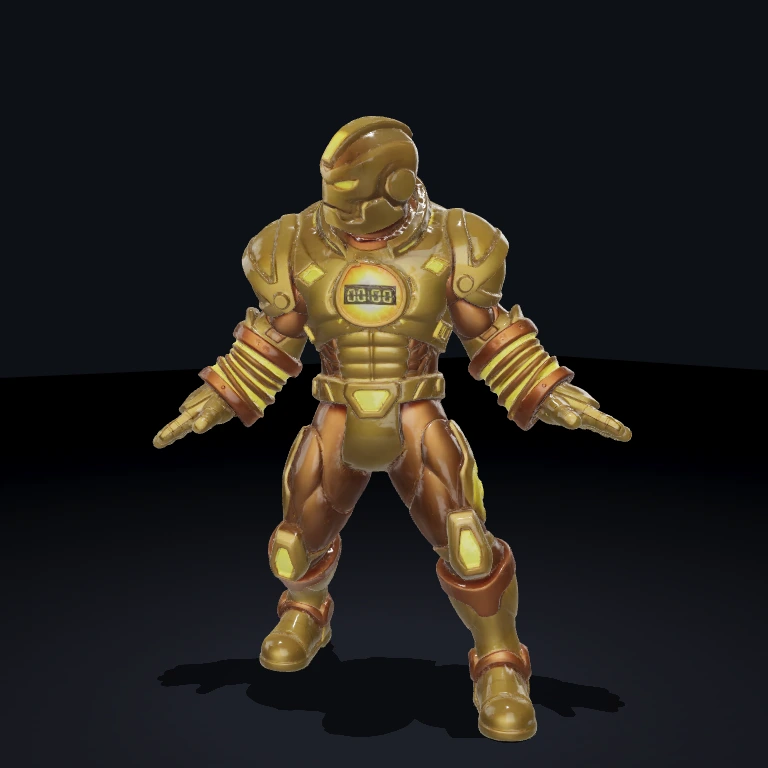
MoneyField
Renderer-agnostic collectible-money field: spawns piles of coins and cash that magnet to the player and fly to the HUD corner, banking their value.
What it does
The MoneyFieldSystem drives a pure MoneyFieldSim (one per kind: GoldCoin and MoneyStack) that owns each pickup's transform and lifecycle in typed arrays — piles spawn on a timer inside the placement area, resting coins inside magnetRadius of the player suck toward it, then streak to the live top-left screen corner while shrinking, and on arrival their value is banked. It is renderer-agnostic: it never imports an engine and instead drives the adapter's thin-instance field API (loadThinField / setThinFieldInstances / disposeThinField) plus screenToWorldPoint, so the GPU draws thousands of pickups in one call per kind and the same code runs under the Babylon and Three adapters. It reads the player-tagged entity's MeshPrimitive for position and the ArcCamera handle to re-project the HUD corner each frame. When money is collected it emits MoneyFieldEvents.CHANGED with the running total and the frame's delta.
Use it in a scene
A scene is just data — a list of entities, each with its components. At startup the SceneLoader turns this JSON into a live world; edit the file and reload to rebuild it.
Fastest path
Pulls this exact scene into your project and runs it — no copy-paste. Add --all to grab the components and assets it needs too.
Or build it from scratch with the bjs CLI:
- 1Scaffold a project
World, renderer, and dev server — ready to run.
- 2Install dependencies
- 3Add MoneyField
Copies its source into src/ so the scene resolves.
First time? Run bjs login once.
- 4Paste the scene into src/scenes/arcade-room.ts and run
SceneLoader builds the world from the JSON; reload to rebuild.
Props
src(string, default/shooter/money.glb) — GLB holding theGoldCoinandMoneyStacknodes.capacityPerKind(number, default1200) — pooled thin-instance ceiling per kind.pileInterval(number, default3) — seconds between automatic pile spawns.maxPiles(number, default8) — soft cap on piles' worth of coins alive at once.coinsPerPile(number, default36) —GoldCoins scattered per pile.stacksPerPile(number, default24) —MoneyStacks scattered per pile.pileRadius(number, default1.8) — scatter-disc radius of a pile (world units).magnetRadius(number, default3) — player pickup magnet radius (world units).coinSize(number, default0.5) — largest world dimension of aGoldCoin; the renderer normalizes to this.stackSize(number, default0.9) — largest world dimension of aMoneyStack.coinRestY(number, default0.3) — resting Y of coins.stackRestY(number, default0.45) — resting Y of stacks.suckSeconds(number, default0.22) — duration of the suck-to-player phase.cornerSeconds(number, default0.5) — duration of the player→corner streak phase.spinSpeed(number, default3) — coin spin rate (rad/s) about Y.placementHalf(number, default16) — half-extent of the square placement area.clearCenterRadius(number, default6) — keep piles this far from arena centre (player spawn).avoid([x, z, r][], default four corner discs) — no-spawn discs.coinValue(number, default1) — money awarded perGoldCoin.stackValue(number, default25) — money awarded perMoneyStack.seed(number, default0) — fixed layout seed;0usesMath.random.
Events
- emits
MoneyFieldEvents.CHANGED('money.changed') —{ total, delta }whenever coins are banked this frame.
Dependencies
MeshPrimitive — the player-tagged entity's component supplies the position coins magnet toward (its mesh may be visible:false; the System reads the component, not the mesh).
ArcCamera — its live camera handle is re-projected each frame so the corner target stays pinned to the HUD as the view pans.
Notes
- The pickups have no collider — enemies and the player walk straight through a pile; only the magnet radius collects them.
- Coins spin (the classic pickup tell); stacks keep a static varied yaw — set
spinSpeedto0to freeze coin spin too, as the example scene does. - A first pile spawns immediately on load so there's money on the field at spawn; the timer takes over afterward.
- Only live slots are packed and drawn each frame, so the pooled (free) capacity costs the GPU nothing.


