

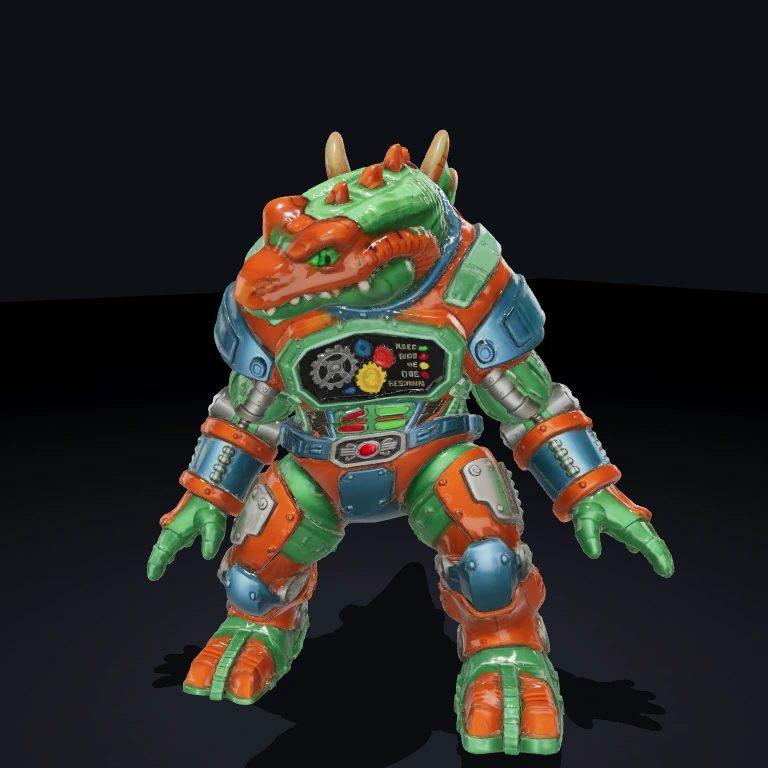
PlayerWalkAnimator
Gates a player's locomotion clip on actual movement, freezing the skeleton when the player stops and playing a one-shot death clip on death.
What it does
The Commando-style player GLB has no idle clip, so its locomotion is driven entirely by whether it's moving. Each frame the PlayerWalkAnimatorSystem reads the player's MeshPrimitive proxy position and diffs it against last frame; the moment XZ displacement crosses moveEpsilon it emits SkeletonAnimatorInputEvents.SET_LOOP with walkClip, and the moment the player stops it emits SET_LOOP '' — which halts the clip and freezes the skeleton on its last frame. It also listens for HealthEvents.DIED (fires deathClip as a held one-shot via PLAY_ONCE) and HealthEvents.RESPAWNED (re-baselines movement state so the instant teleport isn't read as a step). It's the player-side equivalent of TwinStickEnemySystem's animation glue, and is renderer-agnostic — it talks only through the EventBus.
Use it in a scene
A scene is just data — a list of entities, each with its components. At startup the SceneLoader turns this JSON into a live world; edit the file and reload to rebuild it.
Fastest path
Pulls this exact scene into your project and runs it — no copy-paste. Add --all to grab the components and assets it needs too.
Or build it from scratch with the bjs CLI:
- 1Scaffold a project
World, renderer, and dev server — ready to run.
- 2Install dependencies
- 3Add PlayerWalkAnimator
Copies its source into src/ so the scene resolves.
First time? Run bjs login once.
- 4Paste the scene into src/scenes/arcade-room.ts and run
SceneLoader builds the world from the JSON; reload to rebuild.
Props
walkClip(string, default'Walking') — loop clip played while the player is moving.deathClip(string, default'Fall_Forward') — one-shot clip played onHealthEvents.DIED, held on its final frame.moveEpsilon(number, default1e-3) — minimum per-frame XZ displacement (world units) that counts as "moving"; below it the player is treated as stopped and the clip freezes.
Events
- Emits
SkeletonAnimatorInputEvents.SET_LOOPon every move/stop transition (walkClipwhen moving,''to freeze) and on first frame to assert the idle state. - Emits
SkeletonAnimatorInputEvents.PLAY_ONCE(clip: deathClip,hold: true) when the player dies. - Listens for
HealthEvents.DIED(play the death clip) andHealthEvents.RESPAWNED(re-baseline movement state).
Dependencies
Health — supplies the DIED / RESPAWNED events that drive the death clip and respawn re-baselining. MeshPrimitive — its proxy position is the movement signal that gates the loop. SkeletonAnimator — the actual animator this component drives via SET_LOOP / PLAY_ONCE.
Notes
- Movement is detected off the
MeshPrimitiveproxy (the invisible capsule another system, e.g.TwinStickShooter, moves each frame) — not off the visible mesh; the player needs both components. SET_LOOPis emitted only on transitions, not every frame;SET_LOOP ''is a safe no-op that freezes rather than restarting.- After death the System does not auto-resume a loop — the model holds its fallen pose until the next move re-triggers
walkClip. The death/respawn handlers are guarded to entities carrying this component, so enemy deaths (handled byTwinStickEnemySystem) are unaffected. - Per-entity movement state lives on the System (keyed by entity id), never on the Component, because it isn't serializable.


