

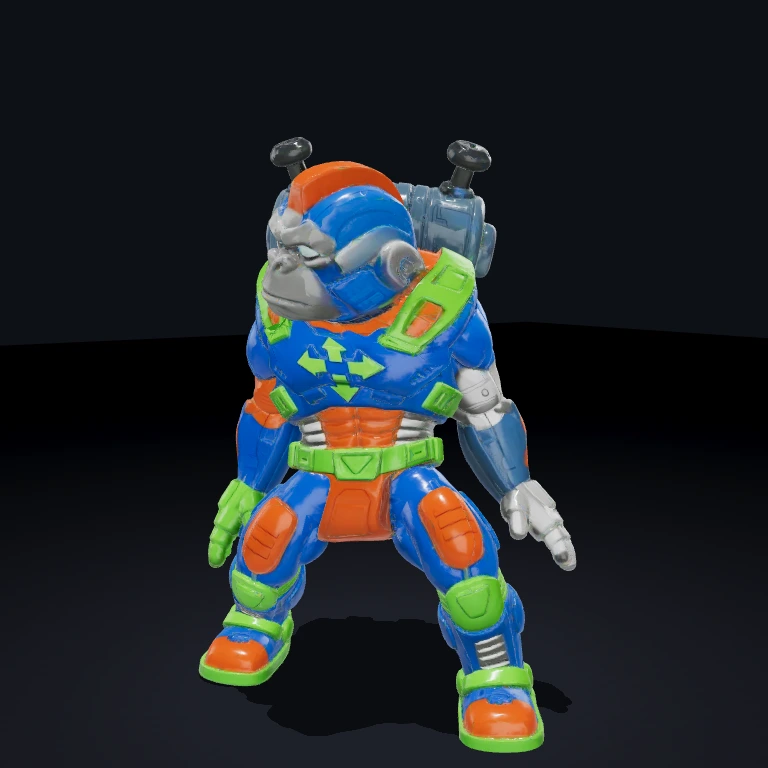
TwinStickShooter
SmashTV-style player controller: WASD moves, the arrow keys fire in 8 directions — both camera-relative.
What it does
Reads keyboard input and drives a player entity: WASD moves it (camera-relative, so W is always "up the screen") and the arrow keys fire in 8 directions. The body eases to face where it shoots, or where it's heading when idle; movement is clamped to the arena half-extents and pushed out of any Obstacle barriers. Firing is pooled — instead of spawning a fresh bullet entity per shot it acquires a parked slot from the shared 'bullet' Pool blueprint at the muzzle and stamps the shot onto it, so BulletSystem flies a reused bullet. It also reuses a single muzzle-flash mesh per shooter (shown on a shot, hidden after muzzleFlashLifetime) rather than churning a mesh per shot.
Use it in a scene
A scene is just data — a list of entities, each with its components. At startup the SceneLoader turns this JSON into a live world; edit the file and reload to rebuild it.
Fastest path
Pulls this exact scene into your project and runs it — no copy-paste. Add --all to grab the components and assets it needs too.
Or build it from scratch with the bjs CLI:
- 1Scaffold a project
World, renderer, and dev server — ready to run.
- 2Install dependencies
- 3Add TwinStickShooter
Copies its source into src/ so the scene resolves.
First time? Run bjs login once.
- 4Paste the scene into src/scenes/arcade-room.ts and run
SceneLoader builds the world from the JSON; reload to rebuild.
Props
speed(number, default7) — movement speed in units/sec.fireRate(number, default12) — shots per second.bulletSpeed(number, default36) — speed passed to each spawned bullet.bulletLifetime(number, default1.4) — bullet life in seconds.bulletColor([r,g,b], default[1.0, 0.95, 0.35]) — per-shot bullet color.bulletSize(number, default0.5) — bullet mesh edge length.bulletRadius(number, default0.4) — bullet hit-detection radius.arenaHalfWidth/arenaHalfDepth(number, default18.5) — movement clamp half-extents.turnSpeed(number, default10) — per-second lerp rate the body turns toward its heading.muzzleFlash(boolean, defaulttrue) — spawn a flash at the muzzle on each shot.muzzleFlashSize(number, default0.8) — flash diameter.muzzleFlashLifetime(number, default0.06) — flash life in seconds.
Events
- listens
keydown/keyup(forwards window key events onto the EventBus). - fires with no domain event — it calls
world.acquire('bullet')for a parked slot and stamps the muzzle position + flight params straight onto the returned entity.
Dependencies
MeshPrimitive — the player mesh this system moves and rotates. Bullet — the per-bullet behavior carried by the shared 'bullet' Pool blueprint this system acquires from and stamps each shot onto. Obstacle — barriers the player is pushed out of. ArcCamera — read for the camera basis so movement/firing are screen-relative.
Notes
Firing never allocates — it acquires from the 'bullet' Pool, so a Bullets Pool blueprint entity (carrying Pool + MeshPrimitive + Bullet) must be present in the scene or shots silently do nothing. Camera-relative input falls back to world axes for the first few frames until an ArcCamera handle is live. The system commits the player position every frame so it stays the single owner of that mesh handle (avoiding the death-frame race with HealthSystem on respawn).


