
5 minutes
The HUD works through a paced round now. But look at the table: only your two hole cards are there. The flop, the turn, and the river never appear. The three opponents bet on cards you never see. And you can only act by clicking a HUD button, because the keyboard does nothing. The table is only half drawn and half playable.
Two components close that gap. PokerTableCards draws everything CardFan does not: the shared river and every NPC hand. PokerInput turns hotkeys into the same bus intents the HUD already emits.
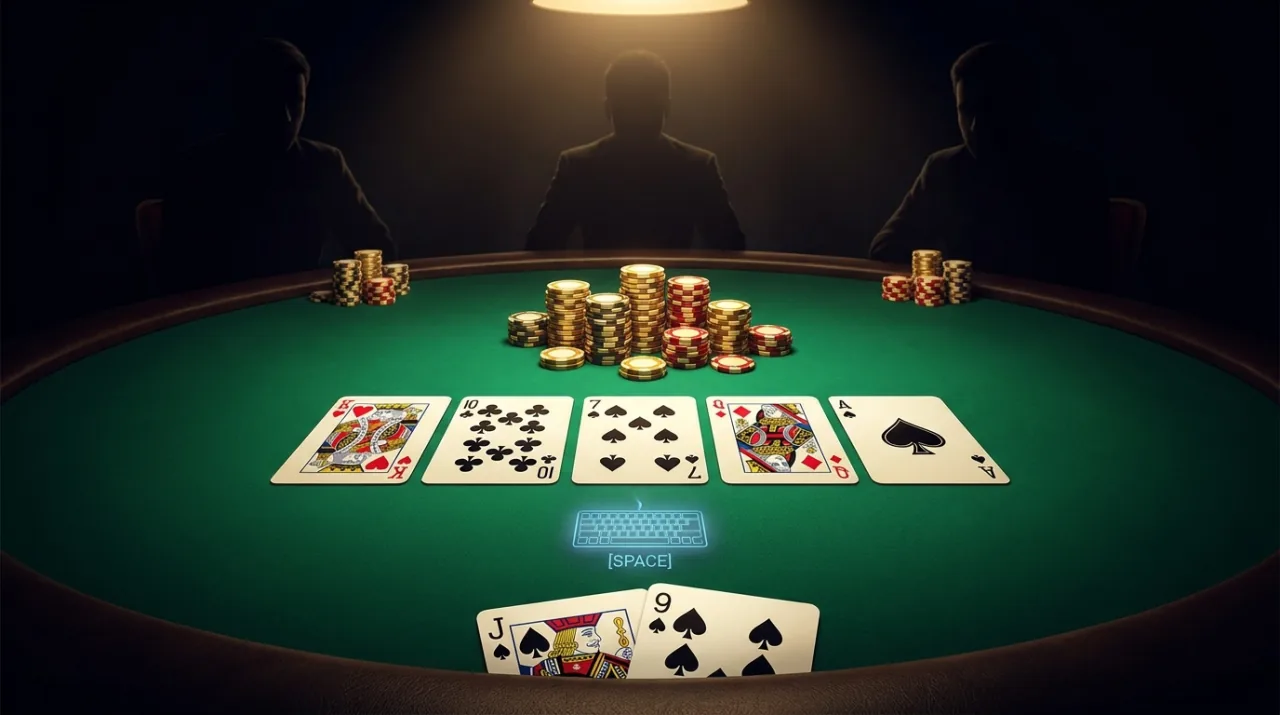
Add PokerTableCards to the Presentation entity
Add PokerTableCards to the existing Presentation entity. It already holds TurnPacer and PokerHUD. Then add a new UI entity for the keyboard:
PokerTableCards uses the same selectedBack and basePath texture settings as CardFan. Same card art, different slots. humanSeatId: "player" tells the keyboard which seat's prompt turns it on.
Continue reading
Unlock the Full Course
Every lesson, the runnable examples, and the finished build — yours to keep.