
6 minutes
Eject a Built-In Component
TL;DR:
npx arcade eject ArcCameracopiesArcCamera, and every component it depends on, fromnode_modulesintosrc/components/. The registry then loads your copy instead of the package's. Edit a default in your copy and the game uses it, unless the scene sets that value itself.
bjs download gets source from the marketplace. The components the arcade package ships are already on your disk, inside node_modules/@babylonjsmarket/arcade. arcade eject copies them into your project, offline and free. It's a command of the arcade package, so you run it with npx inside my-game:
One name in, four components out
Always look before you copy. --dry-run prints the plan and writes nothing:
You named one and the plan has four. Each component's meta.json lists what it needs. LineOfSight lists MeshPrimitive and Obstacle, and Obstacle lists these:
Eject follows those lists, and any ../Sibling/ import in the source, until nothing new turns up. That full set is the dependency closureA component plus everything it needs, and everything those need, until nothing new turns up.. A copy without Mesh would import a folder that isn't there.
With no names, ejectCopy a component's source out of the installed package into your own src/, so you can edit it. scans your scenes instead:
That's every built-in src/scenes/game.ts uses. Mesh is there because of the ship from Lesson 4. Spin, Hello and Lifetime aren't, because they're already your files.
Break it: a name the package doesn't ship
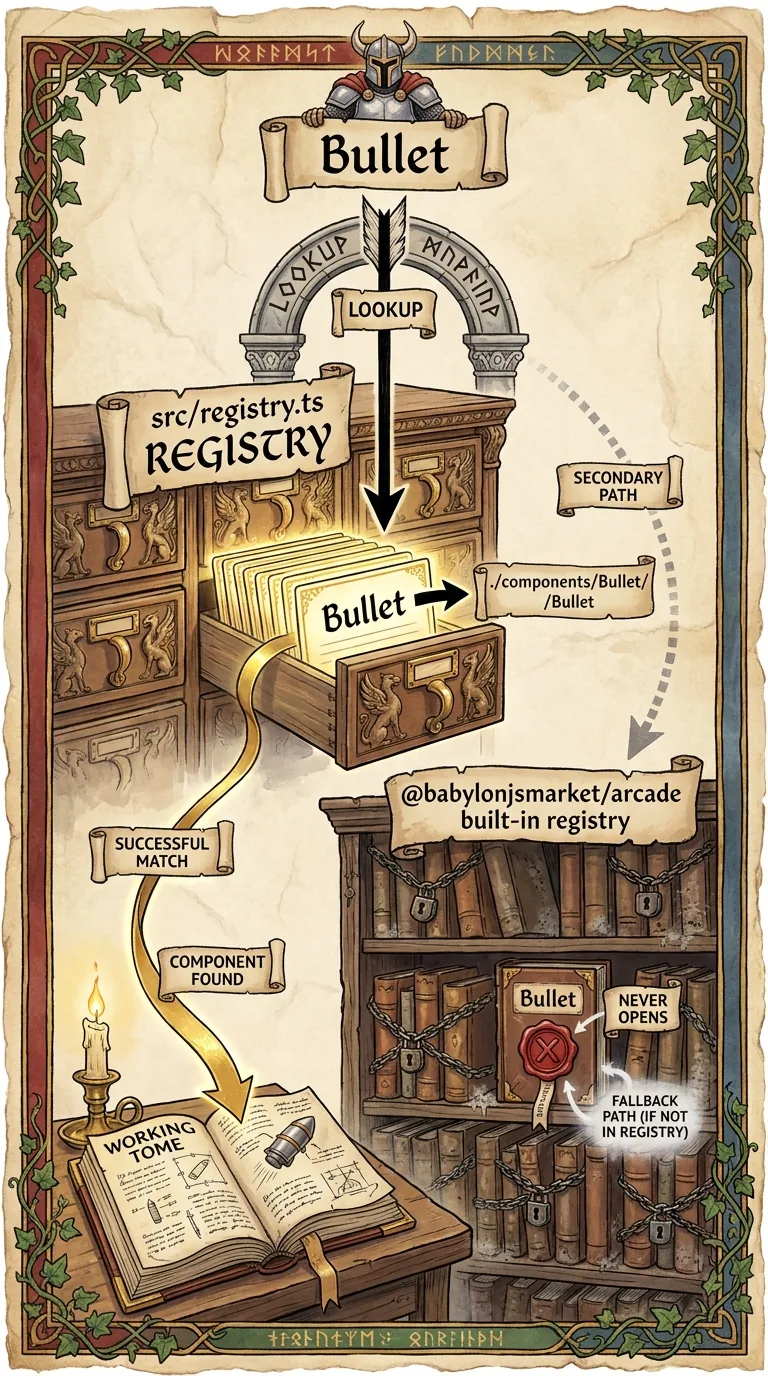
Eject only reaches the package in node_modules. Bullet lives in the catalog, like Lifetime, so it comes through bjs download. The Available: list is everything eject can copy.
Eject the camera and change it
Eject writes into src/, so save a snapshot first. Git is the tool that does that: git commit saves a snapshot of your files, git diff shows what changed since, and git checkout -- puts a file back. If my-game isn't a git repository yet, run git init once.
src/components/ArcCamera/ArcCamera.ts matches its folder, so the registry maps the scene's ArcCamera to your copy. The package's version is still installed; nothing reaches it any more.
Open src/components/ArcCamera/ArcCamera.defs.ts. The constructor gives every setting a default with ??, used when the scene doesn't set it:
The starter scene never sets autoRotate. Change its default to true and save. The camera starts circling the capsule slowly, on its own. That's your copy running.
Break it: a default the scene overrides
Now change distance from ?? 15 to ?? 40 and save. Nothing moves. src/scenes/game.ts sets distance: 8, and ?? only uses the default when the scene leaves the value out. Delete the distance: 8 line from the scene and the camera pulls far back, the capsule a small shape in the middle of the floor. Put the line back and the default back to 15.
Scene data wins over a component's defaults. When an edit to an ejected copy seems to do nothing, check whether the scene sets that field.
Eject again, lose your edit
Commit the orbiting camera, eject ArcCamera once more, and ask git what changed:
Eject copied a fresh ArcCamera over yours without asking. That's how you pick up a fix from a newer package, and it's why you commit first. git checkout -- src/components/ArcCamera puts your version back.
Next: Make It Marketplace-Ready: give Spin a meta.json, run the checks bjs submit runs, and see what a sibling import drags into a submission.