
8 minutes
Make It Marketplace-Ready
TL;DR — Put a working componentA reusable piece of game behavior plus its data — the unit the marketplace ships, living in its own folder. into the marketplace's folder layout. Write the
meta.jsoncard that the catalog and the eject closureA component plus everything it needs to run, gathered automatically — the component and its dependencies, then their dependencies, all the way down. both read. Learn the one rulebjs injectuses to send it to arcade or viz. New here: the honestdependenciespromise and the arcade-vs-viz detect rule. The final lesson runs inject on this exact folder.
Get Component Source: Eject and Acquire ended with a promise: next you write one. So far, every folder in your src/components/ came from somewhere else. You ejected Bullet and its whole dependency closure out of the package. Or you bought one from the catalog with credits. You own that code now, but you didn't write it. In this lesson you write your own component beside it. Call it Magnet. It has a pull radius that drags pickups toward the holder. When you finish, the two folders follow the same shape: same naming, same meta.json, and nothing marks yours as homemade. That sameness is what makes the next command possible.
Here is the trick the marketplace uses. The format that eject writes is the same format that inject reads. A component built in that shape needs no packaging step. No submission form. No "convert to marketplace format" wizard. Once the folder is right, you already have a marketplace component. This lesson is about getting the folder right. It is also about the one question bjs inject asks your code before it sends anything.
That question is this: which package does this belong in? Inject won't ask you. It reads your files and decides. Let's build the folder first, then learn the rule.
The folder a component lives in
Every component in the catalog uses one layout. Eject made it for Bullet. Now you make it for Magnet:
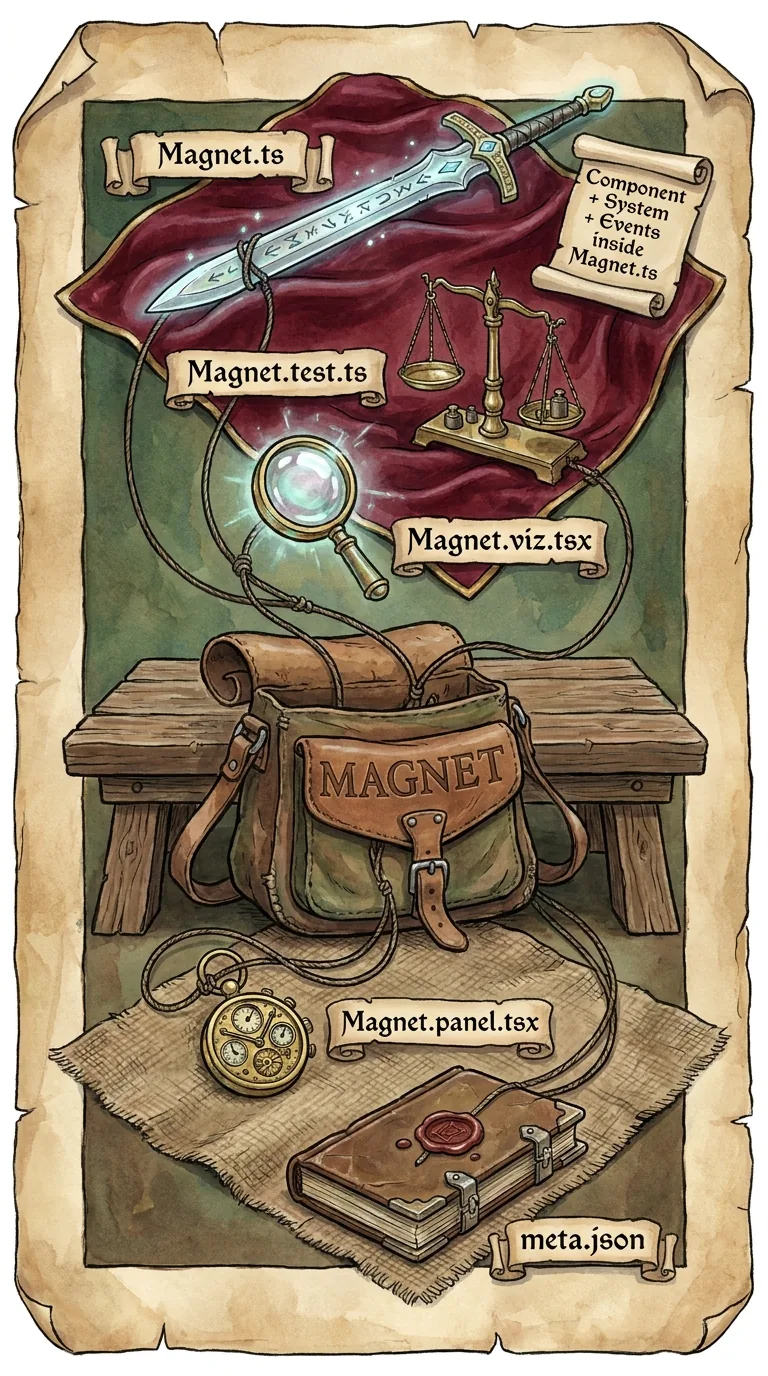
That's the smallest shape: a main file, a test, and meta.json. Magnet.ts holds two classes. The component class is pure data. The system class is the behavior, and it runs on every render tick. Magnet.test.ts builds a tiny world, sets up a situation, and checks the result. This is how a curator confirms your code works. (A curator is the human reviewer who approves submissions.) They don't have to read every line and doubt it. And meta.json is the card the catalog shows and the eject tooling reads. Real catalog components often add extra files to this shape: a .core.ts for the pure logic, a .contract.test.ts, a .viz.tsx panel. So the Bullet you ejected lands as six files, not three. The three above are the floor every component shares.
Writing the MagnetComponent and MagnetSystem is ECSEntity-Component-System, the architecture @babylonjsmarket/arcade is built on — entities hold components (data), and systems run the behavior. (Entity-Component-SystemAn @babylonjsmarket/ecs class that declares a query and runs behavior each frame over the entities that match it.) work. That's the behavior that pulls pickups toward the holder. You learn it in Up to Speed with Arcade ECS, not here. This lesson covers the two things that turn working code into catalog code: the metadata file and where the submission lands.
meta.json: the marketplace card
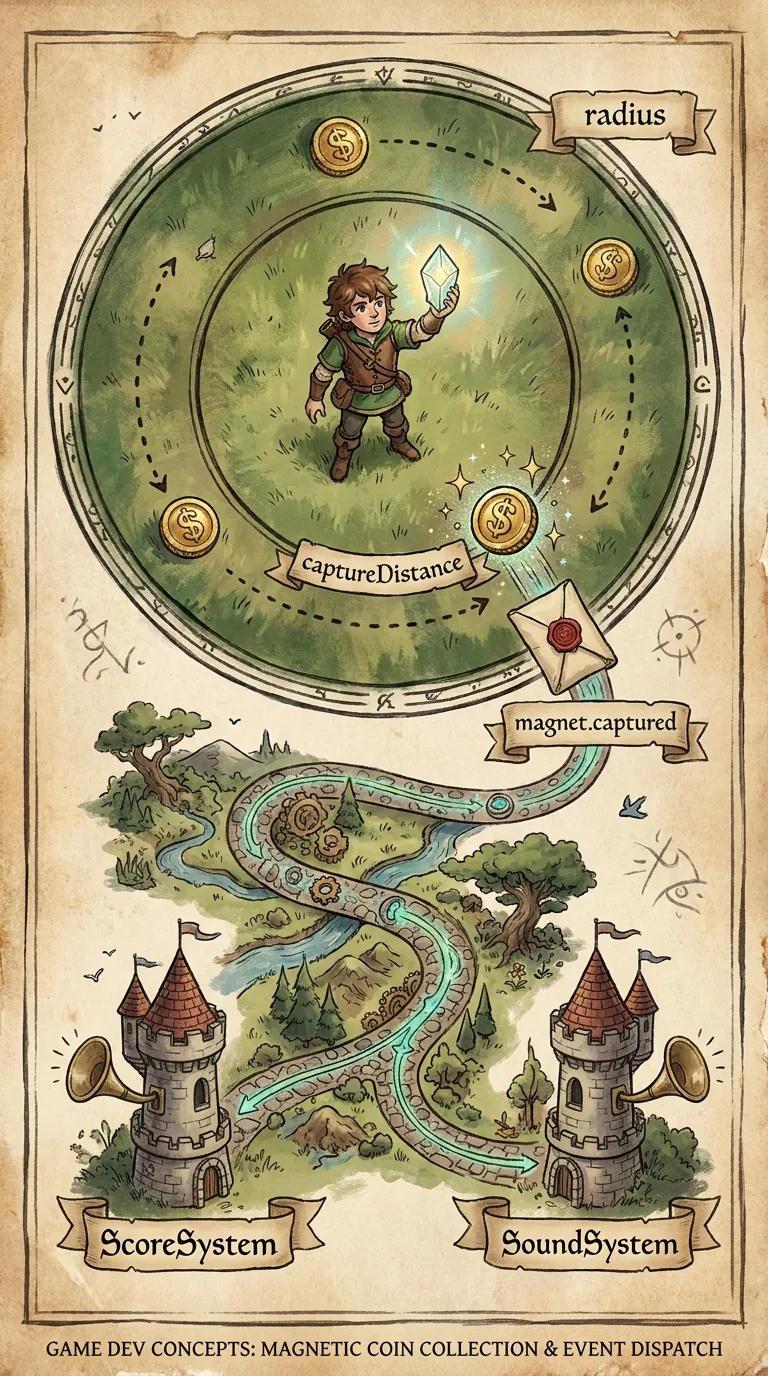
meta.json tells the catalog how to describe your component. It also tells the eject tooling what your component brings along with it. This is not boilerplate you can fake. The closure algorithm from the last lesson reads the dependencies field directly. Only a handful of fields carry the whole card, so walk them one at a time — your Magnet card is measured against every other component's.
name is what the component is called in a scene and in the listing. description is the pitch a shopper reads in the BBS before spending credits. (The BBS is the terminal catalog browser from lesson 3.) A description runs long when the component has a whole event protocol to document — that's right for a component other components talk to — and stays short when the component keeps to itself. category files it under a catalog section, a genre or concern like core, shooter, or pinball. This is not the same as the arcade-vs-viz package routing that inject detects later. Category is the shelf the listing sits on. Routing is which package the code ships in. components and systems name the classes this folder ships. And tags are the searchable labels the BBS filters on.
The field that matters most is dependencies. A component that leans on nothing else has an empty list. Magnet reads positions off MeshPrimitive, so its list says so. (MeshPrimitive is the built-in component that gives an entity a shape and position.) Put together, your card looks like this:
Keep dependencies honest. dependencies is the official list, but it isn't the only thing the closure checks. When someone ejects Magnet, the tooling also scans your files for ../Sibling/ imports as a backup. Magnet imports MeshPrimitive directly, so the scan would find it even if your list were empty. A directly-imported sibling gets caught either way. The real trap is a link the scan can't see: a shared EventBus event string, a tag, or a class you reach without importing it. These have no import line to follow. So the closure only knows about them if you write them into dependencies. The list is your promise that covers what the scan can't.
How inject chooses arcade or viz
Now you have a folder that inject can read. When you run bjs inject Magnet, it has to route the submission before it sends a byte. Does this component belong in @babylonjsmarket/arcade, next to Score and Bullet? Or in @babylonjsmarket/viz, the package that holds debug-panel chrome and the panel renderer? Gameplay goes to arcade. Panel infrastructure goes to viz. Each package is shipped, browsed, and reviewed differently, so the routing has to be right.
Inject decides by reading your source. The rule is short: a component goes to viz only if it imports the viz package or builds on a panel base class. Otherwise it goes to arcade. Here's what that looks like when inject reads a submission.
First it splits your files into primary files and rider files. A rider is any file with .viz. or .panel. in its name, like Magnet.viz.tsx. Riders don't get a vote unless they are all you have: inject decides on the primary files whenever there are any, and falls back to the riders only for a panel-only submission.
Then it scans those deciding files for two signals. The first is a file that imports from @babylonjsmarket/viz. The second is a class that builds on PanelDebuggerSystem or StateStepperSystem — the two panel base classes. Either one tips the whole submission to viz. If neither shows up, arcade is the default. You get a viz routing by writing viz code. Everything else is gameplay.
This is why a gameplay component can ship a debug panel without confusing the router. LineOfSight.viz.tsx can import the viz package all it wants. But it is a rider, so it rides along to arcade with LineOfSight.ts. The primary file is plain gameplay. The panel travels with its component. It doesn't drag the component into the wrong package.
The tool spells this out in its own help, which you can read anytime with bjs inject --help. Two things there are worth remembering. First, --target <arcade|viz> lets you skip the auto-detector when you know better. You rarely need it, because the rule above is reliable. Second, a multi-seedThe file set for one component you're submitting to inject. submission must all detect to the same targetWhich package a submission lands in — arcade for gameplay components, viz for debug-panel infrastructure.: if you inject two components at once, they have to agree, because one submission lands in one package.
Working out where a component lands
You can now read a component cold and name its target before you run anything. Try it:
Take a Magnet with a MagnetComponent, a MagnetSystem built on the plain System base class, and no viz import in its primary files. There's no @babylonjsmarket/viz import and no panel base class. Inject finds neither signal, so it falls through to the default. It's gameplay, so it lands in arcade.
Now take an EventBusInspector. Its main file opens with import { PanelHost } from '@babylonjsmarket/viz', which pulls in code from another package. Its class also extends (builds on) PanelDebuggerSystem. Either signal alone is enough, and both show up on the first scanned file. It's panel infrastructure, so it lands in viz.
Now take a Magnet that also ships a Magnet.panel.tsx, which imports the viz package for its debug UI. The panel is a rider, because it has .panel. in its name. So it's set aside while a primary file exists. The primary Magnet.ts has no viz signal, so the whole submission still routes to arcade, panel and all.
That's the rule, and it's the last step between a folder on your disk and a submission in the queue. You have a component in the exact marketplace shape. You have a meta.json whose dependencies the closure can trust. And you can predict from the code, not a guess, whether bjs inject will send it to arcade or viz.
Next: Inject and Track Your Submission — run the dry-run, send the diff payload, and follow your submission from pending to merged.