Arcade Foundations
The first hour of every game tutorial — already done. The starter component library, installed via @babylonjsmarket/arcade.
Sections
- Installation & Quick Start
- Scene JSON Format
- ArcadeGame Walkthrough
- MeshPrimitive
- Input & Movement
- Cameras
- Lighting & Shadows
- Physics
- Score & UI
- Animation & Mesh
- Extending the Package
Features
- Levels Are Data, Not Code
- Skip the Boilerplate
- Battle-Tested, Not Tutorial-Tested
- Read Every Line
- Solid.js Debug Panels
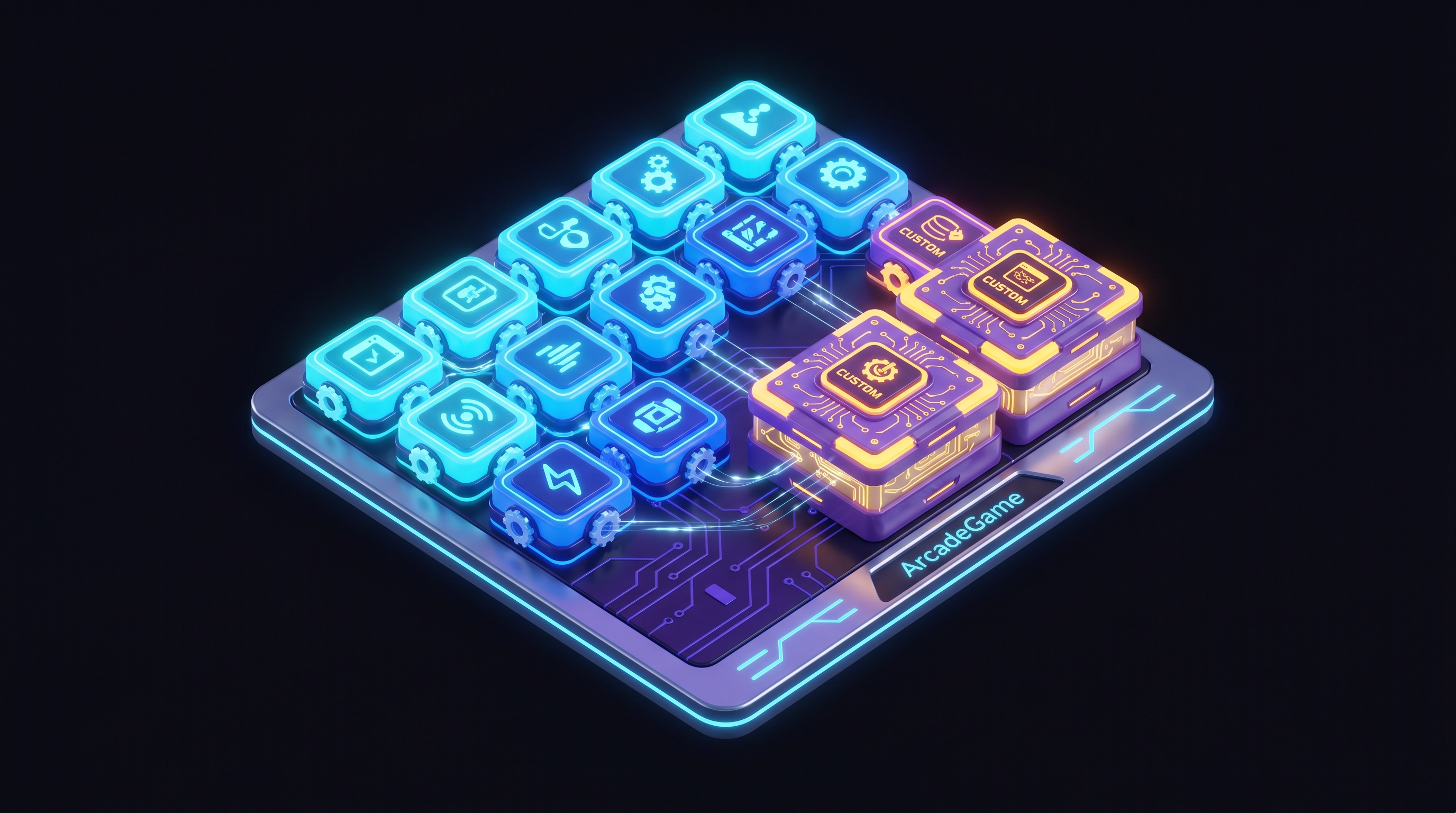
- Mix In Your Own Components
CLI Tools
Documentation
11 sections walk through everything Arcade Foundations ships with. Each one starts with a quick read; click through when you need depth.
 01
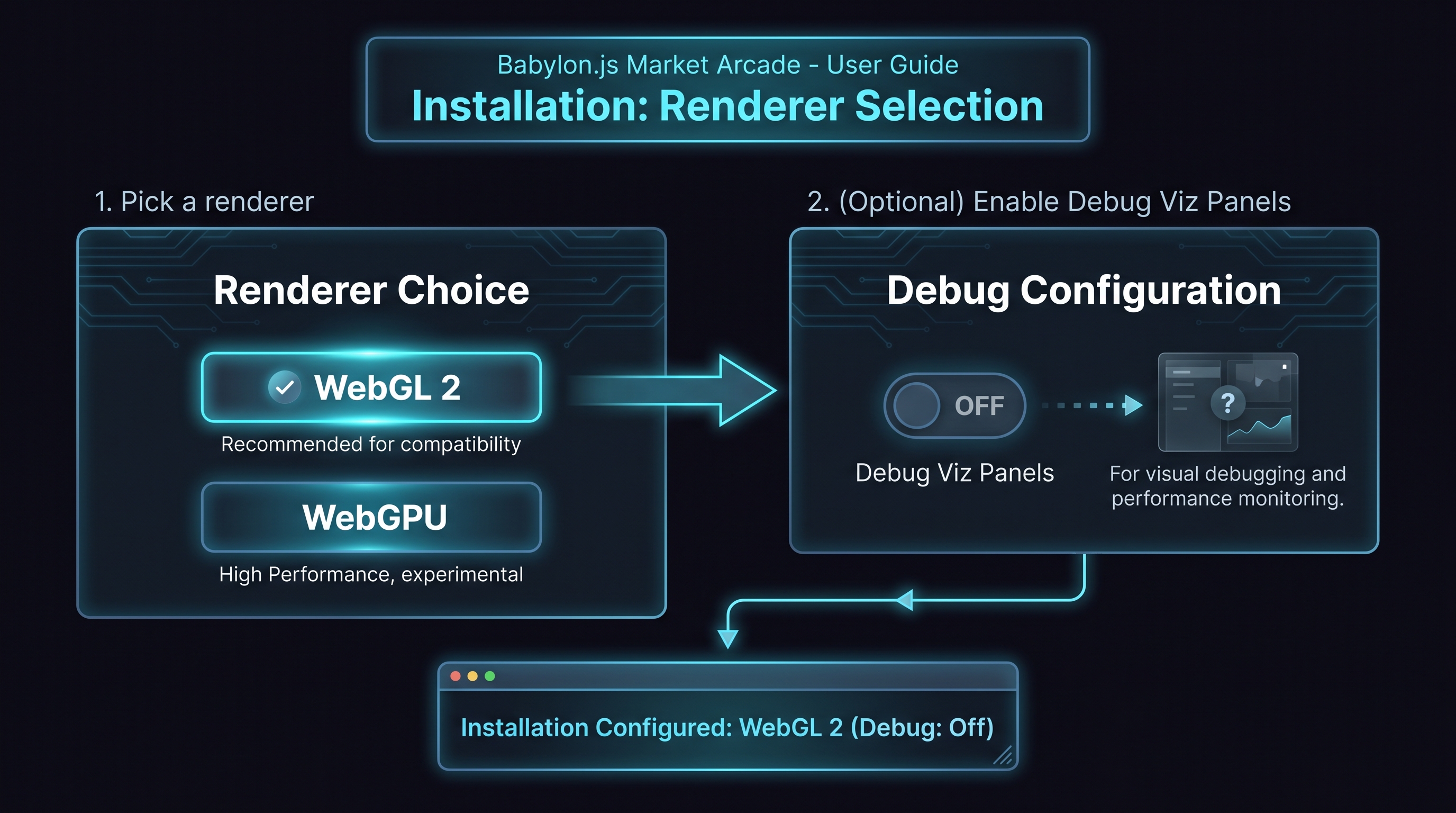
01Installation & Quick Start
Learn more →@babylonjsmarket/arcadeis a curated bundle of 14 game components plus a lazy JSON scene loader, all built on@babylonjsmarket/ecs.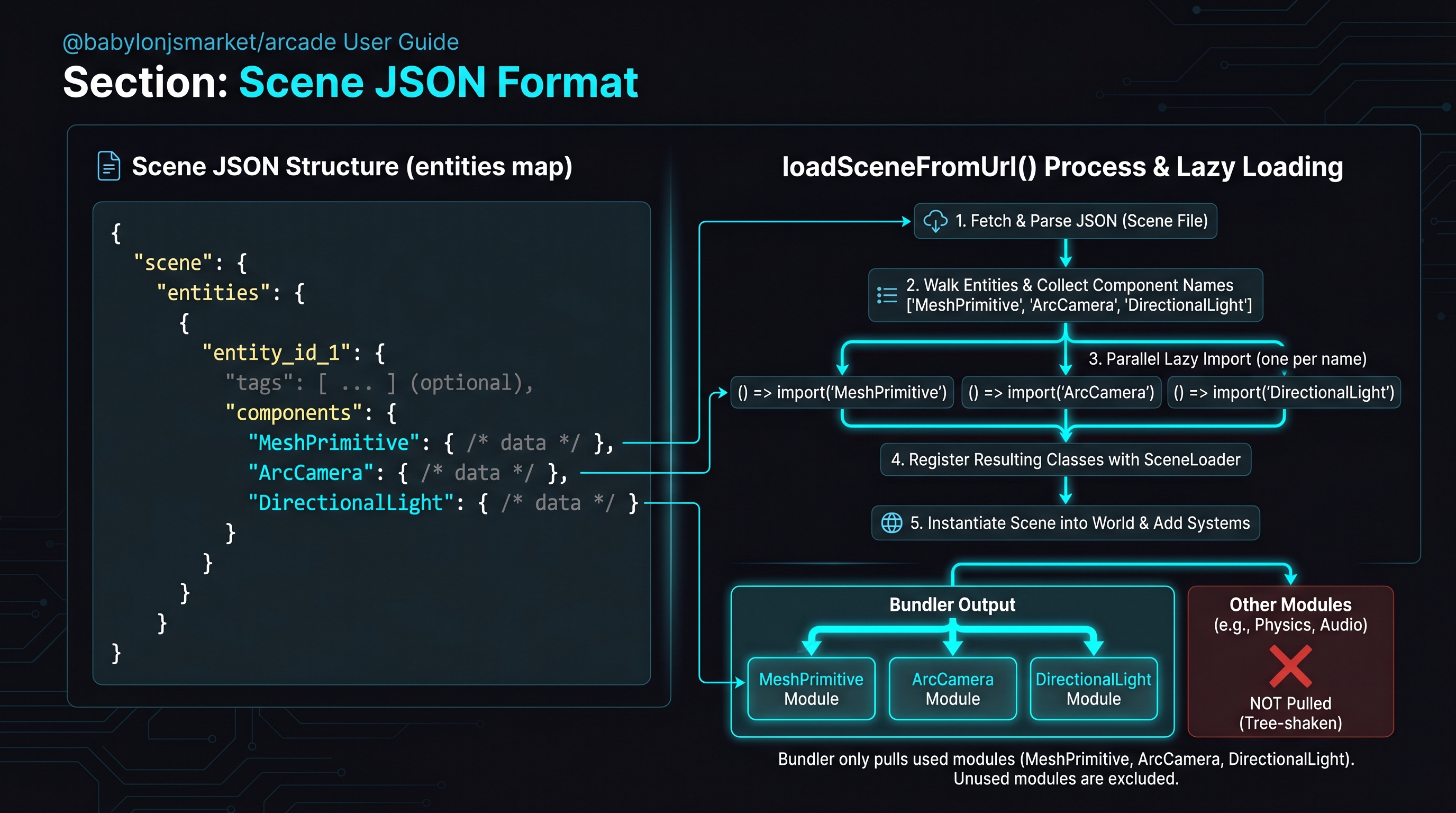 02
02Scene JSON Format
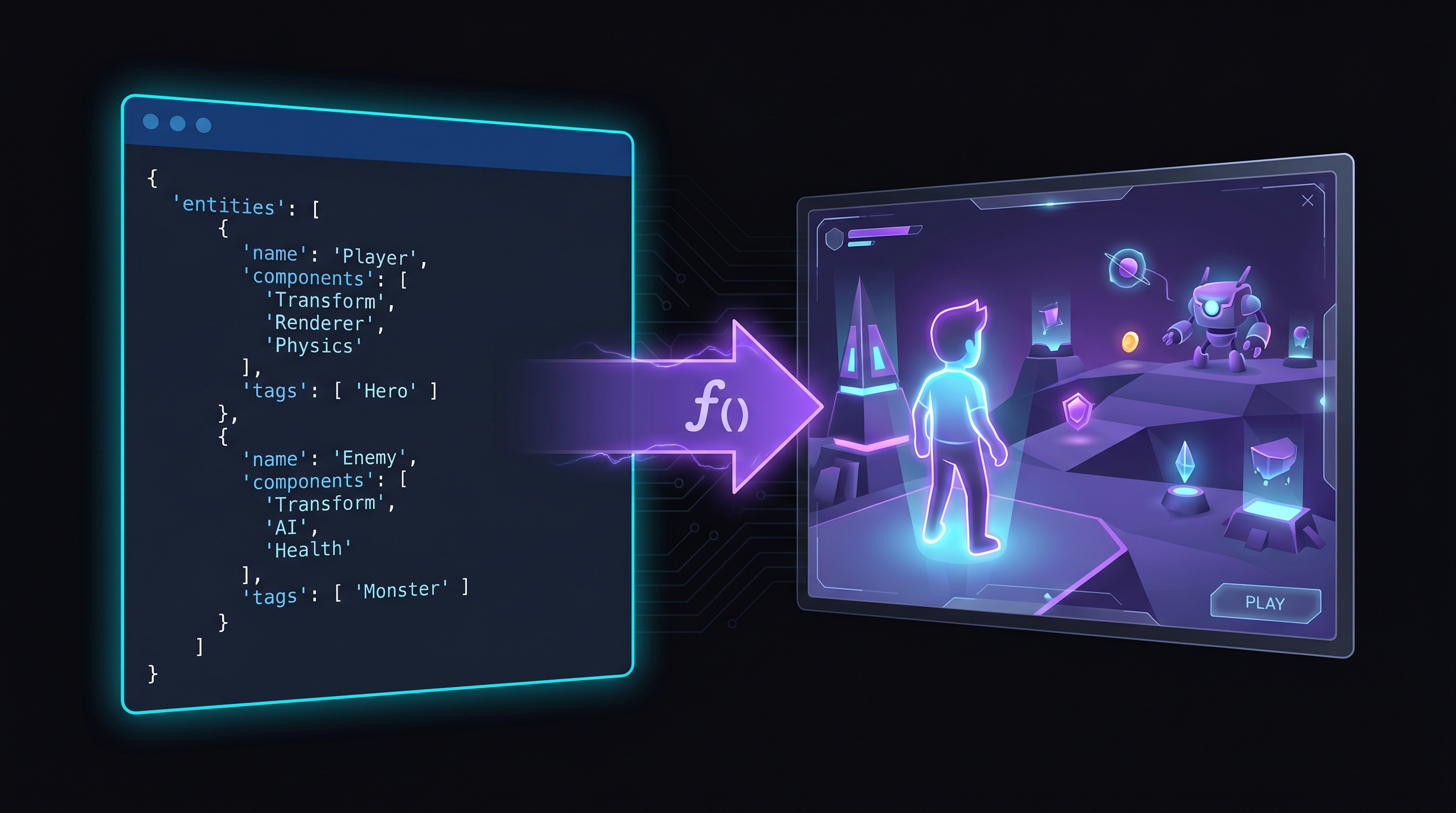
Learn more →A scene is an
entitiesmap. Each entity has optionaltagsand a requiredcomponentsobject. Component keys are the component name (matching the lazy registry); values are the initial data for that component.- 03
ArcadeGame Walkthrough
Learn more →ArcadeGameis a thin convenience class aroundWorld+SceneLoader+EventBus. It does three things you'd otherwise wire by hand: 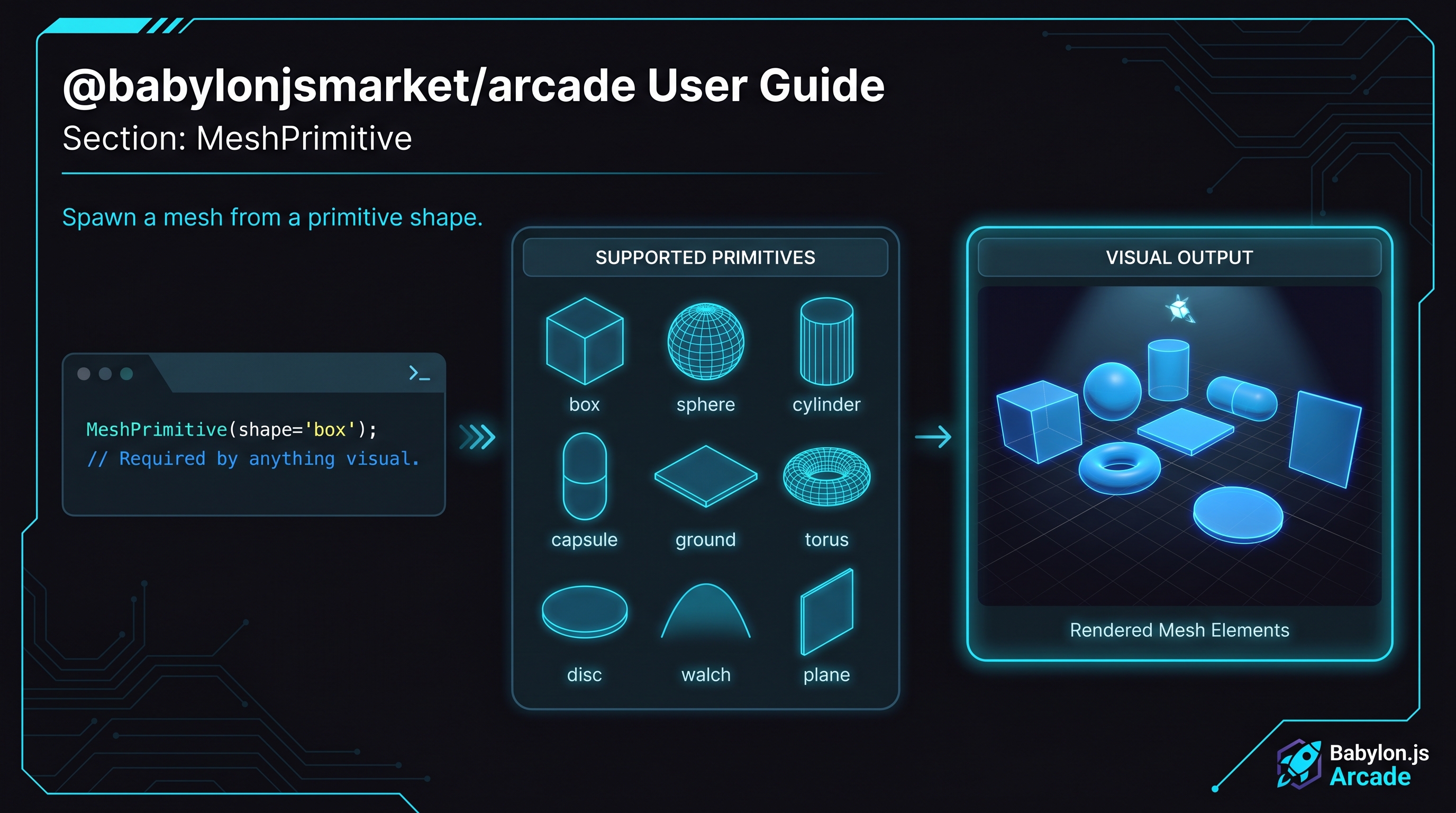 04
04MeshPrimitive
Learn more →Spawn a mesh from a primitive shape. Almost every visible entity in a scene has a
MeshPrimitive(or aMeshfor.glbassets).- 06
Cameras
Learn more →Two camera components ship in v0.1:
ArcCamera(orbiting) andCameraFollow(trailing). Pick the one that fits — they're mutually exclusive on a given camera entity. - 07
Lighting & Shadows
Learn more →Three components —
DirectionalLight,HemisphericLight,Shadow. Most scenes use exactly one of each plus Shadow on every entity that should cast. 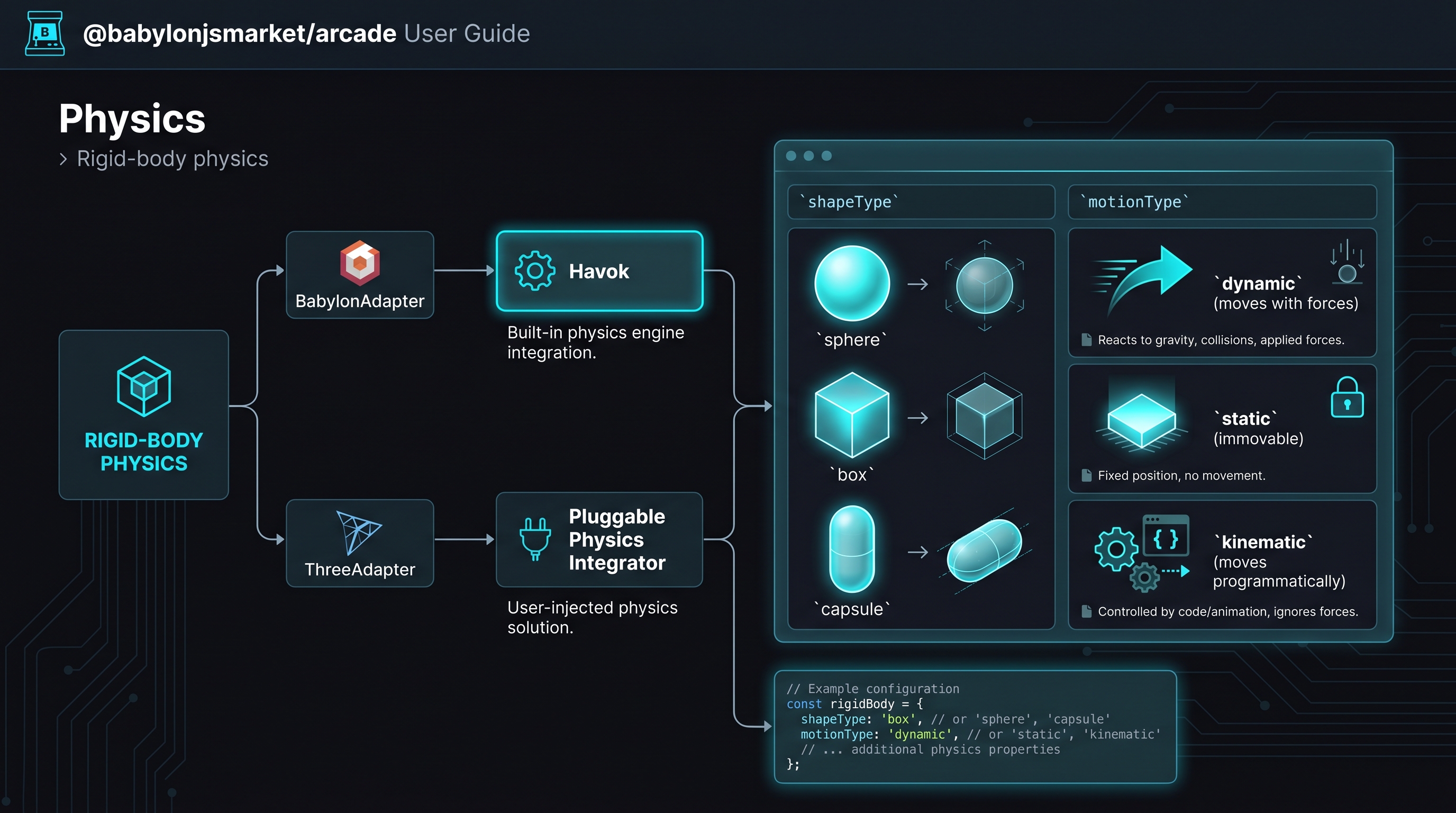 08
08Physics
Learn more →Rigid-body physics. Under
BabylonAdapterthis is Havok (production-grade). UnderThreeAdapterthis is whatever physics integrator you injected viaphysicsFactory. The component API is identical either way.- 09
Score & UI
Learn more →Two components handle in-game scoring:
Score(data + events) andScoreboard(DOM overlay that renders the data). Use them together or just Score if you're rendering UI elsewhere. - 10
Animation & Mesh
Learn more →For richer visuals than primitive shapes — characters, props, animated models — pair
Mesh(loads a.glb/.gltfasset) withAnimation(plays the clips inside it). - 11
Extending the Package
Learn more →Three patterns for going beyond the built-in 14 components: custom component registries, viz panels for debugging, and writing components that follow the same conventions.
Levels Are Data, Not Code
Describe your scene in a JSON file — what entities exist, what components they wear, what tags they carry. Hand the file to ArcadeGame. Components referenced by name are imported on demand, so bundlers ship only what your scene actually uses.
Skip the Boilerplate
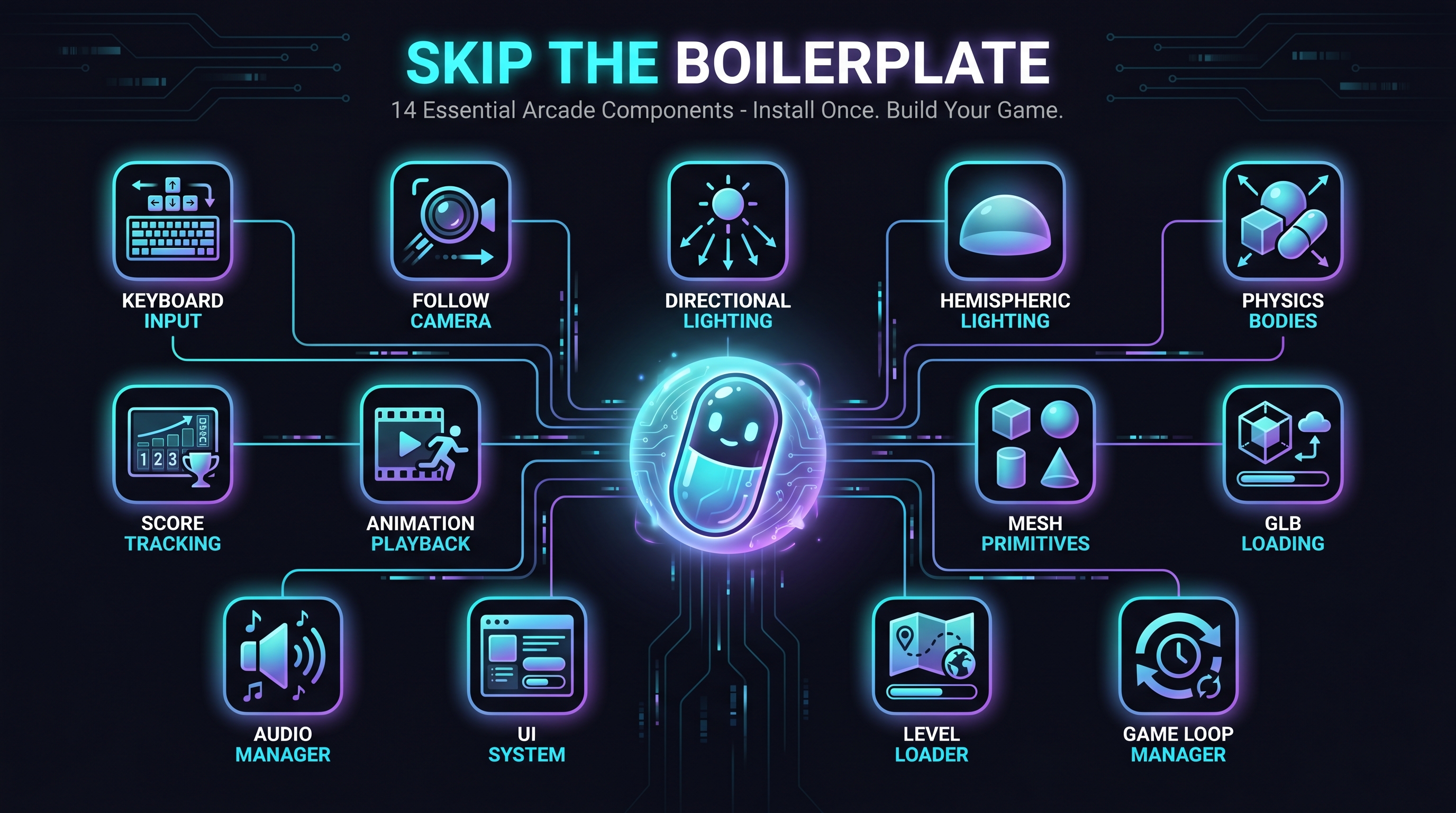
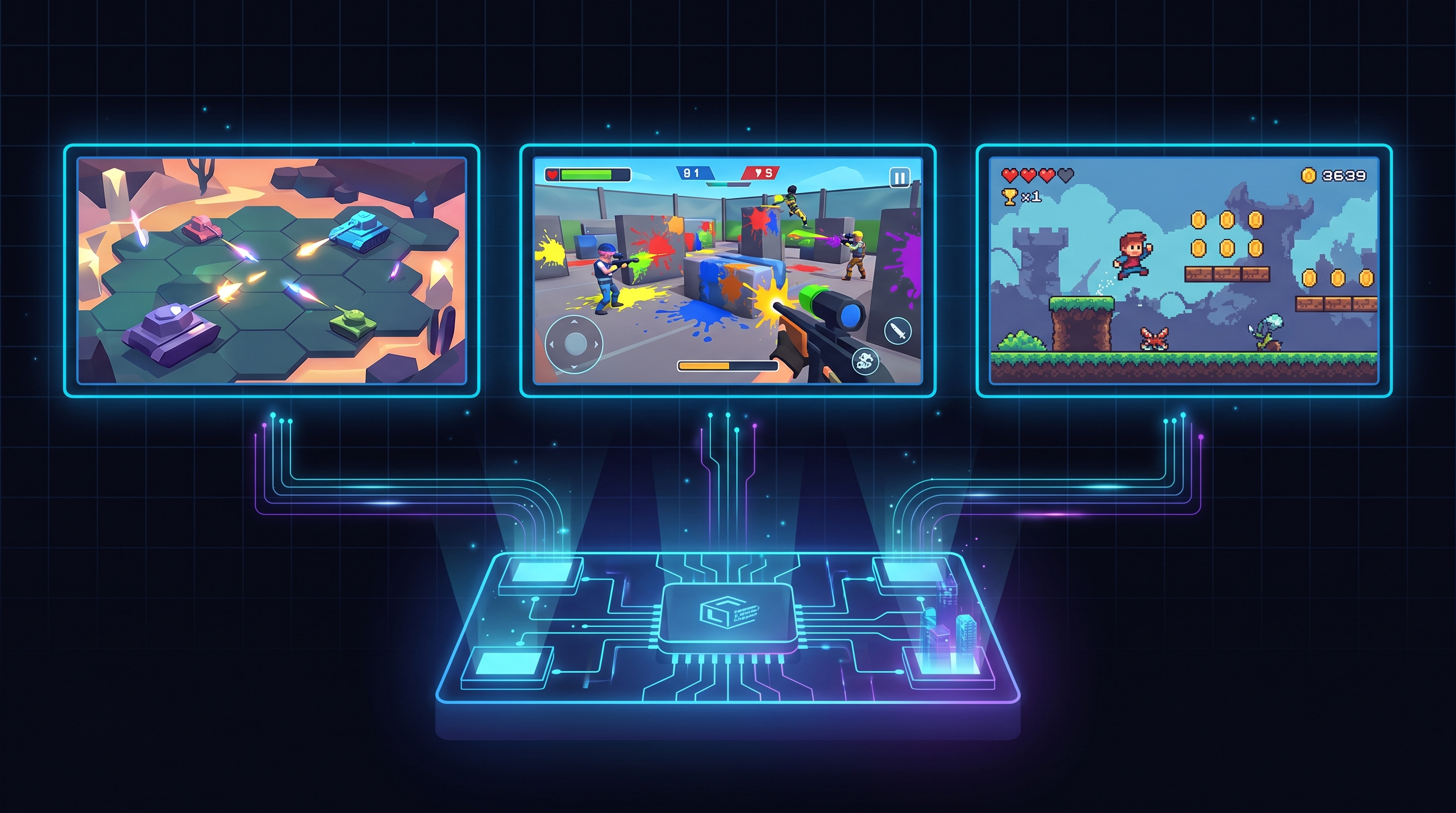
14 components that every arcade game needs: keyboard input, follow camera, directional and hemispheric lighting, physics bodies, score tracking, animation playback, shadow casting, mesh primitives, GLB loading. Install once. Move on to the game you actually wanted to build.
Battle-Tested, Not Tutorial-Tested
This is the same code powering games on babylonjsmarket.com. Not a simplified happy-path example, not a tutorial fragment. Real components with real edge cases — physics that doesn't fight rotation locks, cameras that snap cleanly, scores that survive scene reloads.
Read Every Line
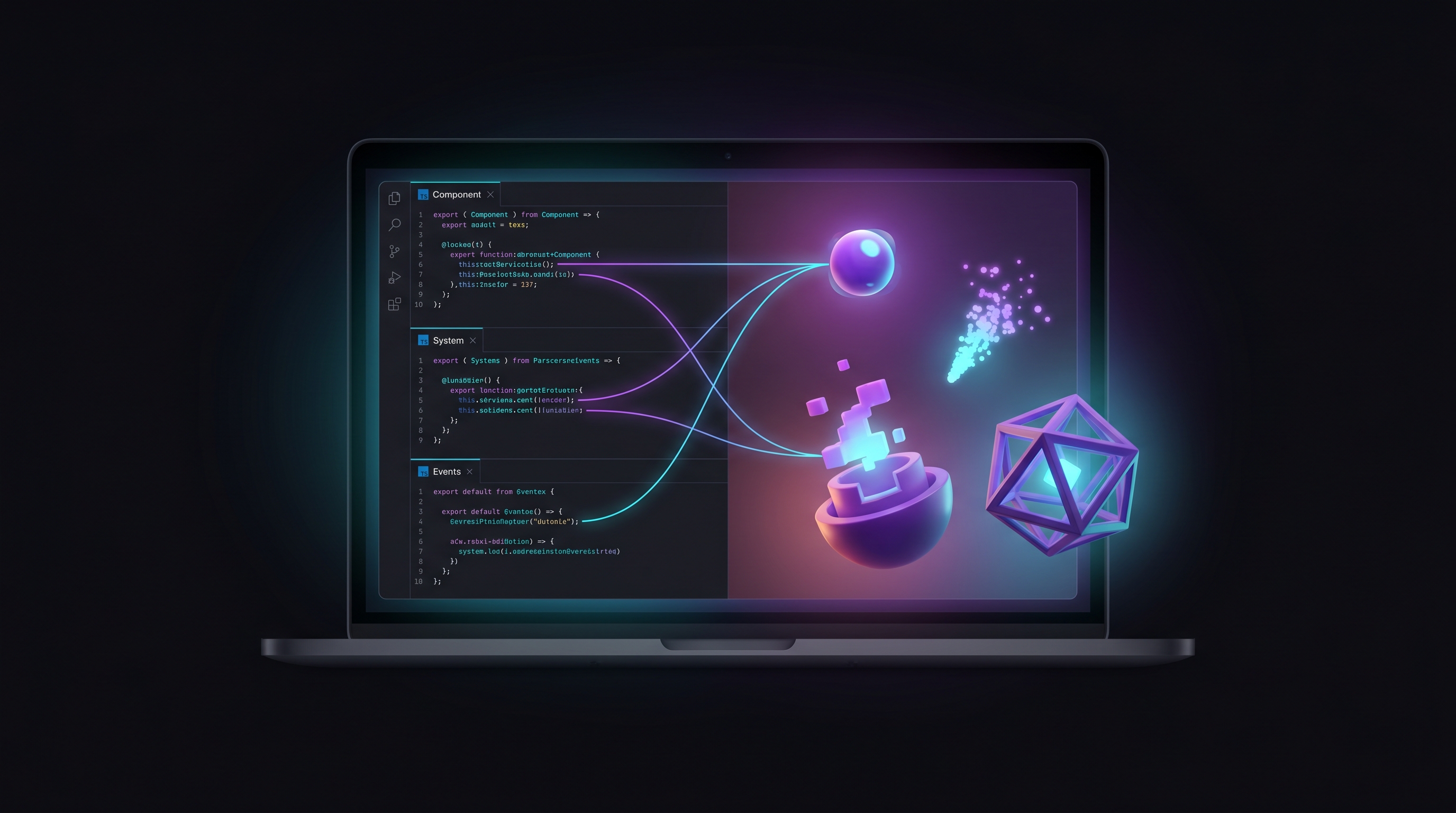
The whole package is small enough to read in an afternoon. Each component is its own folder: a Component class, a System class, an Events file. The pattern repeats, so once you've read one, you've read them all. Fork them, change them, replace them. The package is a starting point, not a cage.
Solid.js Debug Panels
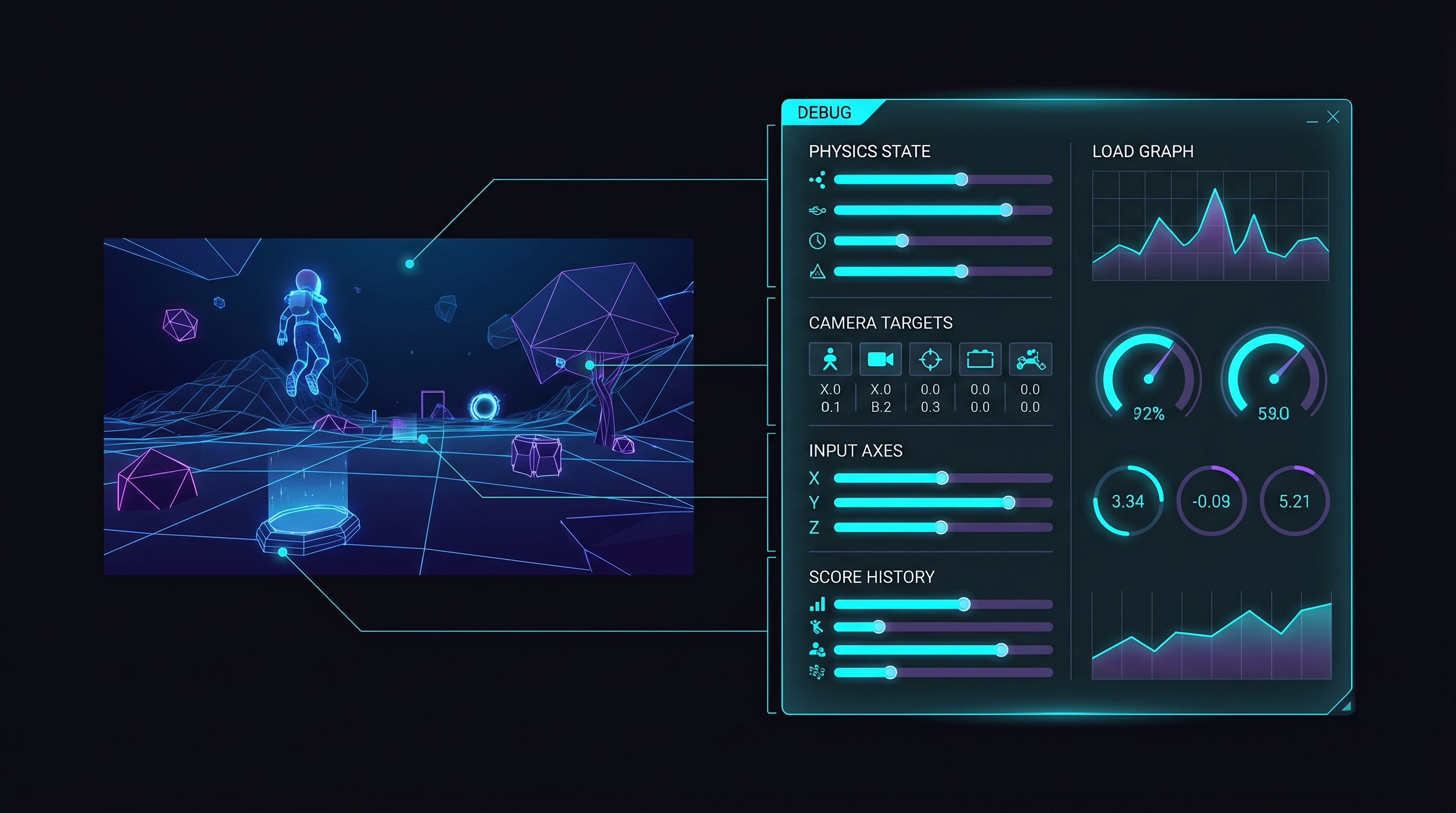
Every component ships with an optional viz panel: live readouts of physics state, camera targets, input axes, score history. Wire them up during development, tune the feel of your game in real time, peel them off for production. solid-js is an optional peer dependency.
Mix In Your Own Components
Pass a `componentRegistry` to ArcadeGame and your custom components live alongside the built-in 14. Same lazy-loading. Same naming convention. Same JSON scene syntax. Use it to extend the package with project-specific behavior, or to compose multiple component libraries together.