
7 minutes
Generics
Two lessons ago you read emit<T = any>(type: string, data?: T): void and skipped the <T>. Last lesson you wrote classes. This lesson fills in the blank, using the same EventBus class the framework's systems use to talk to each other.
The problem any leaves you with
Say you want a helper that hands back whatever you give it. It should work for a number, a string, anything. The quick way is any, the type that switches checking off:
npx tsc prints nothing. The code type-checks. The browser disagrees, with Uncaught TypeError: score.toUpperCase is not a function. score is the number 10, and toUpperCase is a string method. any bought reuse and gave up every check on the way out.
A type parameter is a variable for a type
Here's the same helper as a genericA function, class or type written with a type parameter, so one definition stays type-safe for many types.:
<T> after the function name declares a type parameterThe placeholder in angle brackets, like the T in <T>, that stands for a type until one is filled in.. value holds whatever value you pass; T holds whatever type you pass. Nobody wrote identity<number>(10). The compiler read the argument and set T to number, the same inference as in the types lesson. So score is a number, name is a string, name.toUpperCase() is fine (the console shows ARIA), and the bad line is caught.
You've used generics already. number[] from the types lesson is shorthand for Array<number>. A Set<string> is a set of unique strings. A Map<string, number> has two parameters: string keys, number values.
How the EventBus uses T
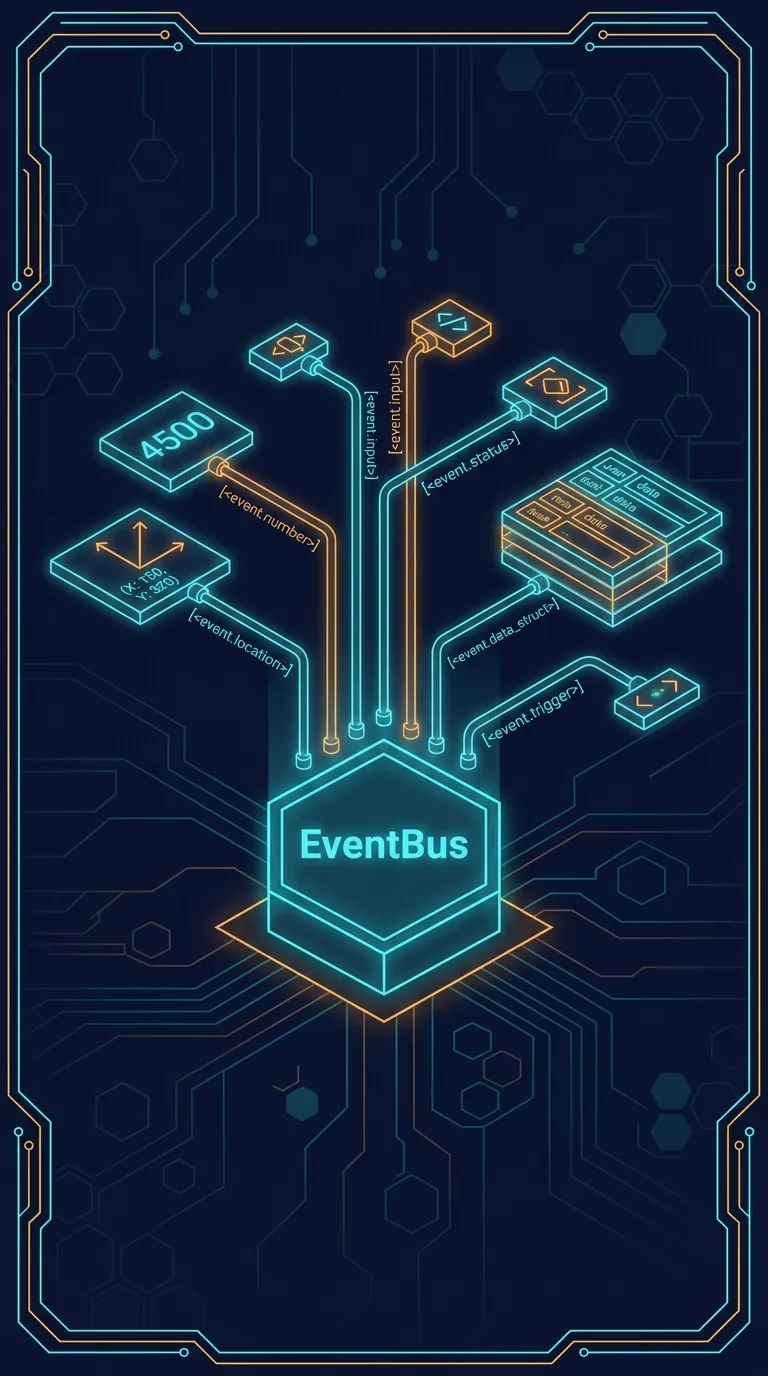
An EventBus carries named messages. One part of the game calls emit("score.changed", data) and every part that called on("score.changed", ...) gets the data. The bus was written before your game existed, so it can't know what your data looks like. The first lines of EventBus.ts show how it copes:
An EventCallback<T> is a function that takes data of type T and returns nothing. = any is a default: leave T out and it becomes any. Now the method that subscribes:
The T you give on flows into the callback. Try it:
The console prints score is 10. Hover d in your editor and it shows { score: number; }, the type you put in the angle brackets.
Catching a typo in the payload
Now make the typo everyone makes. Change the log line to read d.scor:
The compiler even offers the fix. Now delete <{ score: number }> and keep the typo:
npx tsc passes. Hover d and it says any, because T fell back to its default. The browser logs score is undefined. No error, no crash, just a scoreboard that shows nothing. That's the trade any makes, seen from both sides of the same bus.
Typing both ends with one alias
emit has a T too. Name the payload once with a type alias and use it on both ends:
The last emit sends "ten", and npx tsc rejects it: src/main.ts(12,43): error TS2322: Type 'string' is not assignable to type 'number'. The browser still ran it and logged score is ten, like every other type error in this course.
ScoreChanged only lives in this file, so another file could still spell the event name or the payload differently. The next course keeps event names and payload types in one shared place for that reason.
A generic method with a constraint
The framework uses the same trick for components. This is the method you called as hero.get(Position) in the classes lesson:
Read it left to right. T extends Component is a constraint: T can be anyThe type that switches checking off. Reuse without safety. type, as long as it is a component. You pass the class, and you get back an instance of that same class, or undefined if the entity doesn't have one. Watch the type follow the class you pass:
Hover pos and it says Position | undefined; hover health and it says Health | undefined. One method, and each call knows exactly what came back. The console logs 0 undefined, because the hero has a position but no health. The last line asks a Position for hp, and the compiler stops it.
The listener map, one generic at a time
Generics nest. This is where the bus keeps every subscription:
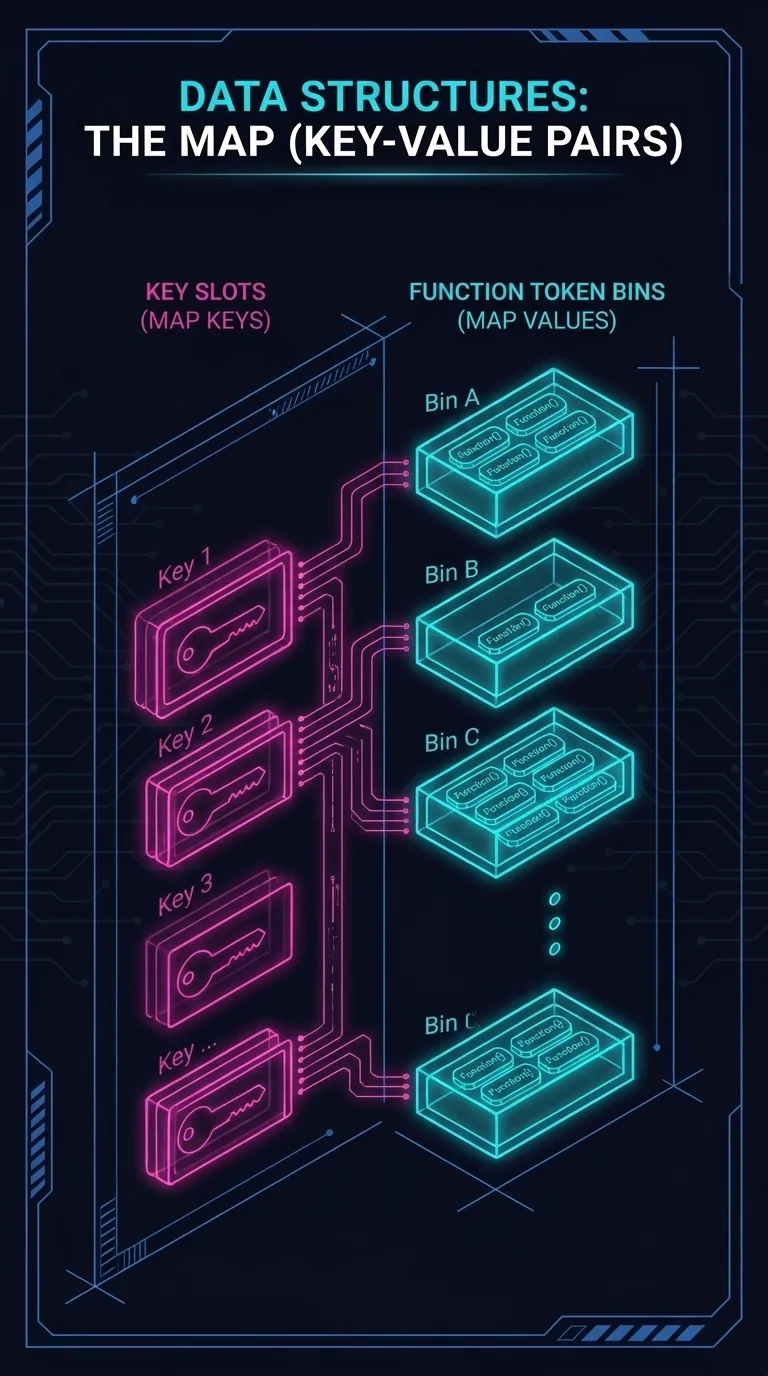
Read it outside in. A Map, whose keys are string event names and whose values are a Set of callbacks. So listeners.get("score.changed") is the set of functions to call when that event fires, and the Set means the same function can't be added twice. private keeps other code from touching the map directly; everything goes through on and emit.
In Sum
any let score.toUpperCase() compile and then crash. identity<T> kept the type, and tsc caught the same call with TS2339. hero.get(Position) came back typed as a Position. On the real EventBus, on<{ score: number }> caught d.scor with TS2551, and without the type argument the same typo logged undefined silently.
Next: Interfaces and Type-Only Imports looks at the other kind of contract: a named shape many objects can match.